Hardware & Peripherals
Barcode scanners and product labels compared
Compare POS camera, wired and cordless scanning with product labels and label-printing workflows before buying hardware.

Desk
Assesses terminals, peripherals and software options against how Australian shops actually trade.
Hardware & Peripherals
Compare POS camera, wired and cordless scanning with product labels and label-printing workflows before buying hardware.
System Selection
Compare staying and switching costs over one period, including migration, hardware, overlap, contracts and processing.
System Selection
Check the exact POS, terminal, payment account and transaction handoff before choosing an integrated or standalone EFTPOS setup.
System Selection
Choose an Australian business POS by checking checkout workflows, plan limits, total costs, receipts and outage arrangements.
Hardware & Peripherals
Check receipt printer model, connection, placement and cash-drawer needs against your Australian POS counter setup.
System Selection
A short checkout process for asking for needed customer details, finding existing profiles and recording marketing choices separately.
System Selection
Average basket value is useful only when the numerator and denominator refer to the same kind of sale.
System Selection
Compare cloud and locally installed POS systems by connectivity, offline functions, recovery, updates and support responsibilities.
Inventory Features
Decide when a POS stock quantity and alert are enough, and when receiving, reviewed counts and change history justify fuller controls.
System Selection
Define the POS-to-books entry, compare Square connections with Xero and MYOB Business, and check the first synced periods without duplicating sales.
System Selection
Prepare a POS demo with real sale scenarios, proof for each requirement, configuration questions and a decision record.
System Selection
Prepare a POS customer export, map fields and consent status, check a small import and handle order history separately.
System Selection
Find likely duplicate POS customers, verify identity and marketing preferences, and check irreversible merge limits before acting.
System Selection
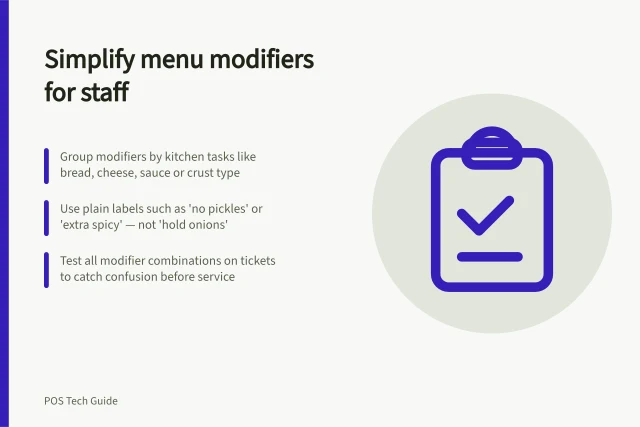
Menu modifiers should help staff record a genuine choice and help the kitchen prepare it correctly.
System Selection
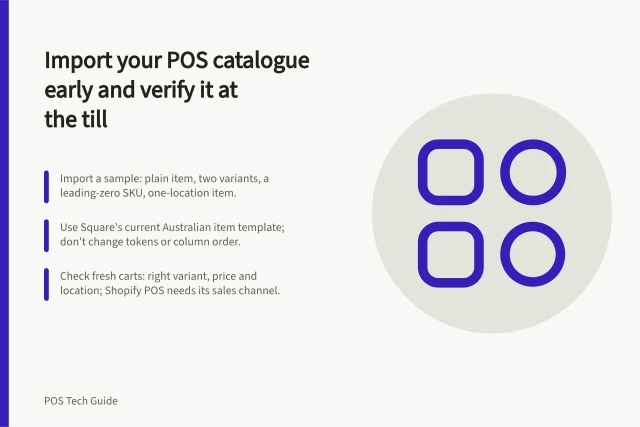
Prepare a POS catalogue import, protect existing records, check a small sample and verify what staff can sell at the till.
System Selection
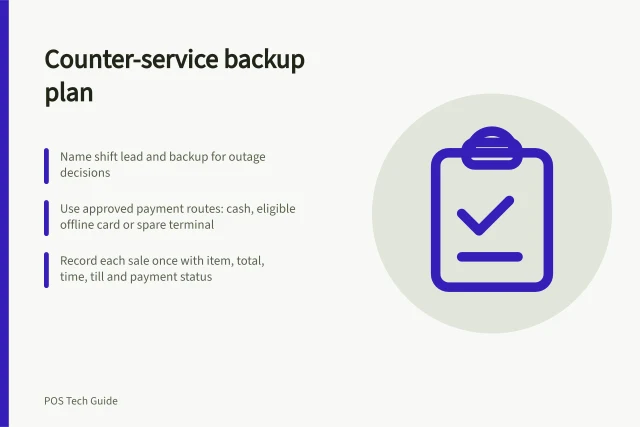
Build a one-page counter backup plan with a shift lead, approved payment routes, sale records and a recovery handover.
System Selection
Manage POS customer records through clear collection purposes, accurate profiles, staff access controls and an export plan.
System Selection
A hospitality POS should carry an order from counter or table to the right preparation station and then to an accurate bill.
System Selection
Compare service POS systems by checking appointment checkout, retail products, deposits and the meaning of sales and staff reports.
Hardware & Peripherals
Plan a POS counter setup by checking payment devices, receipt printers, drawers, scanners and label printers against the exact POS configuration.
System Selection
Plan POS connections for bookkeeping, online stock and delivery orders. Map record ownership, feature limits and checks for the installed setup.
Inventory Features
Compare POS stock quantities, receiving, counts, adjustments and alerts, including the plan and app limits that affect each workflow.
System Selection
Set up clear POS product records, control price changes and promotions, and check the intended price at Australian checkouts.
System Selection
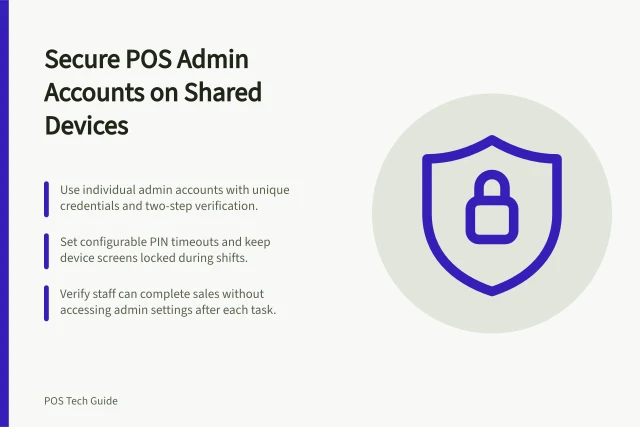
Separate POS administrator login from staff PIN use, protect account credentials and set a shared-counter handover.
Inventory Features
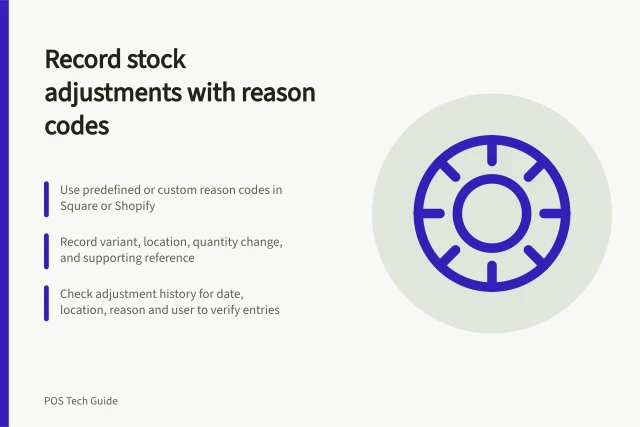
Record the item, location, quantity change and known reason for a POS stock adjustment, then check its history without guessing the cause.
System Selection
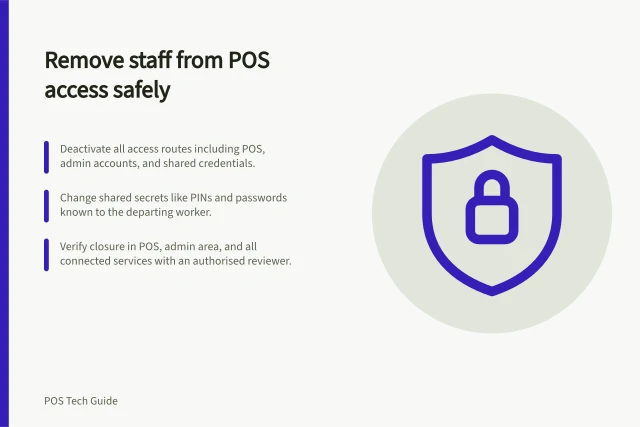
Close a departing worker’s POS, admin and connected-service access, change shared secrets and check the result.
System Selection
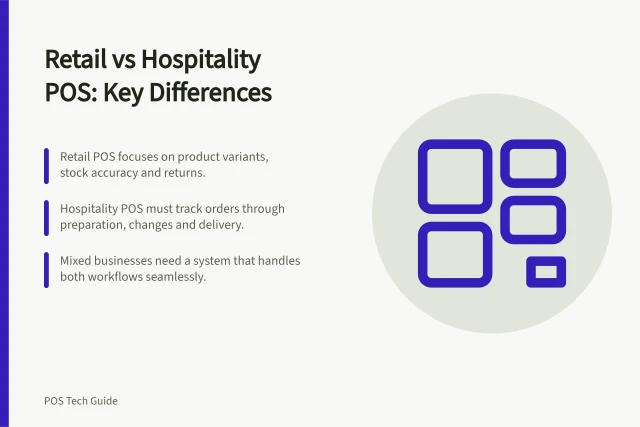
Compare retail and hospitality POS workflows through products, stock, kitchen handoffs, open bills and plan limits.
Hardware & Peripherals
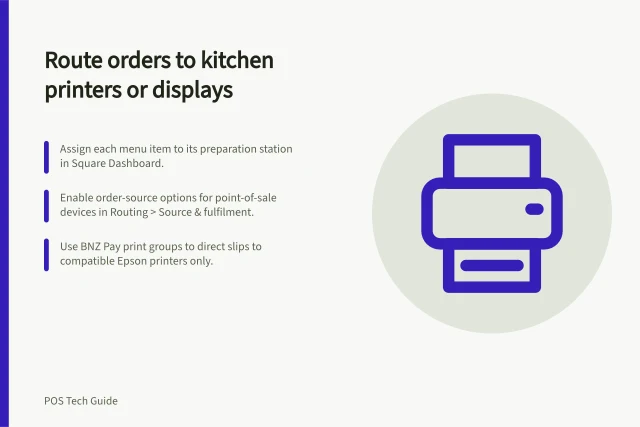
Kitchen routing should send each item to the team that prepares it, with clear updates when the order changes.
System Selection
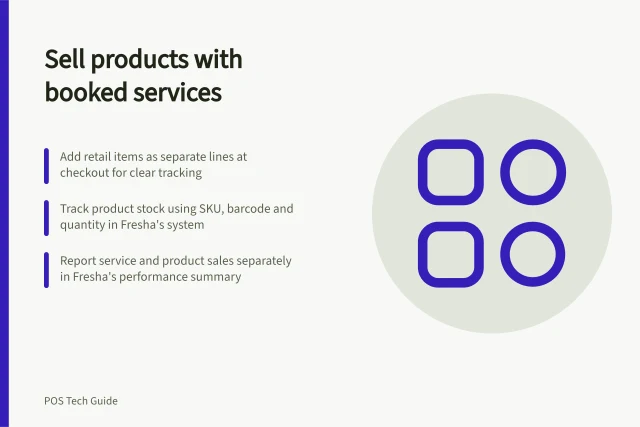
Add retail products to a booked service checkout while keeping the receipt, product record and stock count clear.
Inventory Features
Decide which items need POS variants, assign SKUs and barcodes to the right records, and check what each scan adds to the cart.
System Selection
Build a short POS test sheet for routine sales, payment uncertainty, corrections and the records staff need to inspect.
System Selection
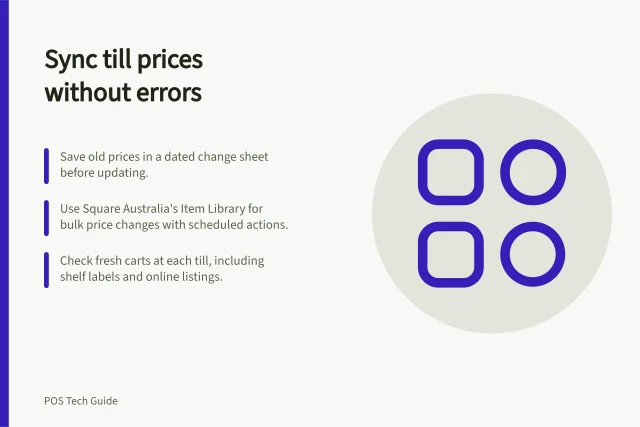
Plan one POS price change, check affected tills and displays, and resolve mismatches before charging customers.
Inventory Features
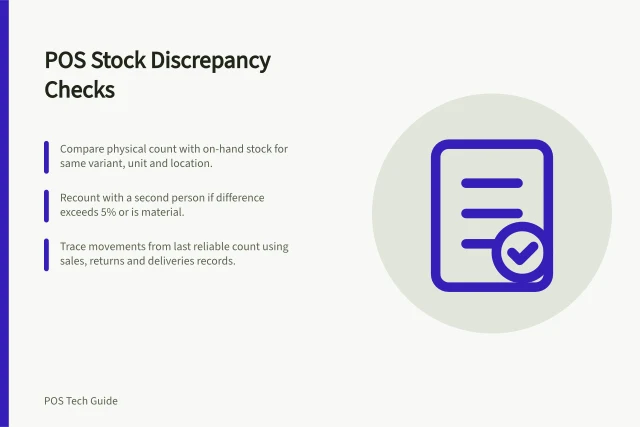
Compare the right item and stock state, review count differences, trace movements and record a discrepancy without guessing its cause.