Inventory Features
Part of POS inventory features
Comparing simple stock tracking with inventory management
Decide when a POS stock quantity and alert are enough, and when receiving, reviewed counts and change history justify fuller controls.
Choose simple stock tracking when a dependable quantity for each item and location, plus a way to notice low stock, answers the business's daily questions. Choose fuller inventory controls when several people must receive, count, correct and explain stock. The dividing line is the work and record the team needs, not the software label.
Start with the daily stock question
A small shop may need to check whether a variant can be sold, and know when to reorder. It still needs accurate item identities, tracking enabled and a routine for recording sales, deliveries and damaged goods.
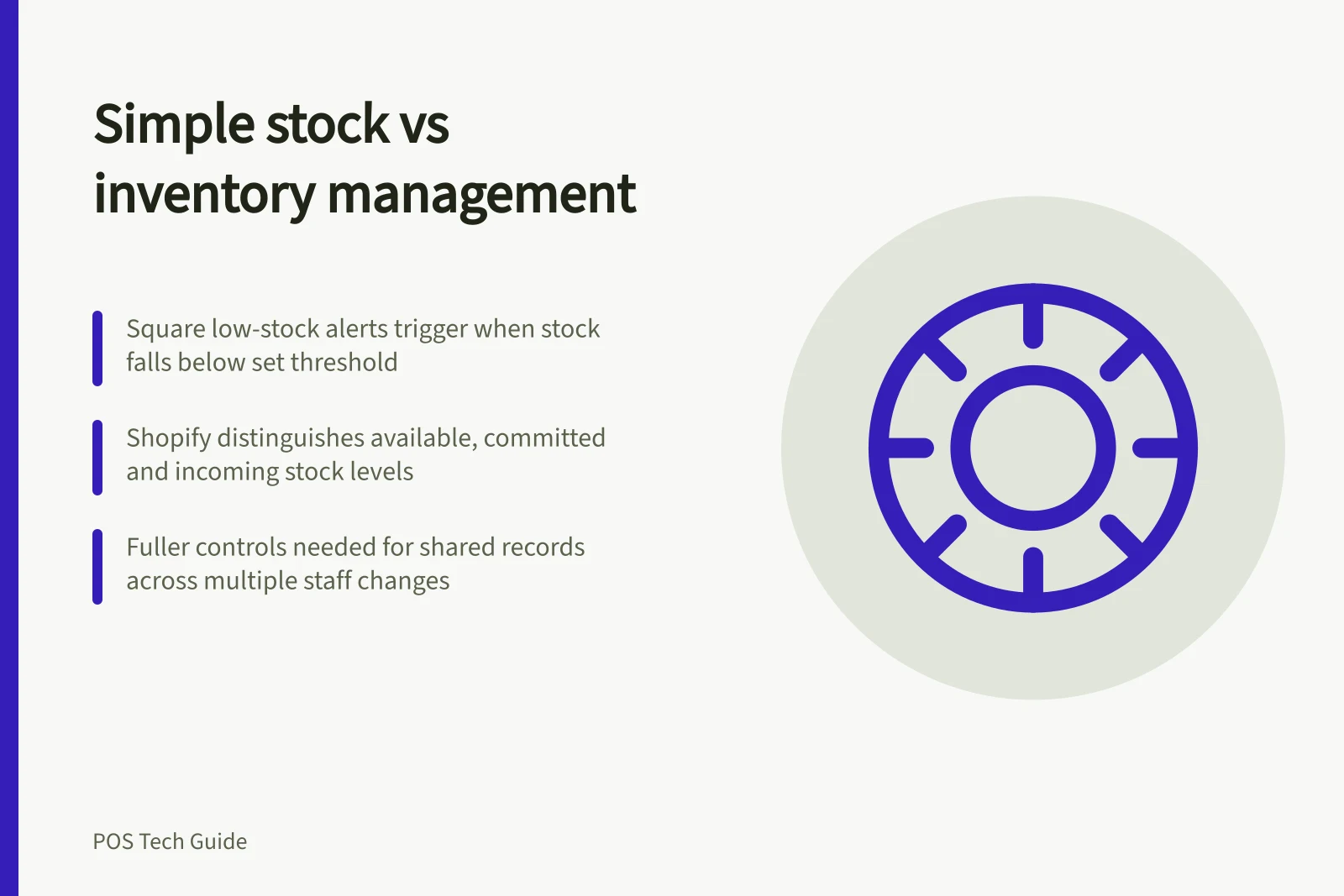
Square low-stock alerts are generated when an item's in-stock quantity falls below its set threshold. Shopify requires tracking and location assignment for its POS inventory view; it directs sellers wanting low-stock notifications to an inventory alert app.
Ask which number staff will use. Shopify distinguishes available stock from committed, unavailable and incoming stock. A physical count should be compared with the corresponding on-hand figure, while a customer availability enquiry concerns stock available to sell.
Decide how much control the work requires
| Stock task | Simple tracking may be enough when… | Fuller controls help when… |
|---|---|---|
| Receiving | One authorised person records what arrived. | Partial deliveries and handoffs need a shared record. |
| Counting | A small range can be checked and corrected by one authorised person. | Staff count separate areas and a manager reviews differences. |
| Explaining changes | A correction with an adequate record answers later questions. | Reasons, users and dates must be inspected across many changes. |
| Reordering | A threshold prompts a manual purchase decision. | Buyers need to follow ordered, received and outstanding quantities. |
A product marketed as inventory management may still leave a required step outside the POS. Inspect the record produced by each task.
Check where the plan boundary falls
Square lets staff receive stock by individual item or in bulk, and adjust stock levels with reasons such as loss, theft or damage. Its reviewed full and cycle counts, and its stock-adjustment history view, have the stated Plus or Premium requirements.
Shopify POS Quick count requires the extension to be activated, and staff must count On hand inventory. Its scheduled POS stock count requires Shopify POS Pro; the scheduled count is created in Shopify admin and reviewed before any inventory quantities change.
If older changes matter, check the history available to the people who will investigate them. Shopify's product or variant adjustment-history view covers the last 180 days, with a separate adjustment-changes report identified for older activity. Square's documented stock-adjustment history is tied to its listed Plus or Premium subscriptions.
Inventory History Availability in Square and Shopify
- Square Stock Adjustment History
- Available only on Plus or Premium subscriptions
- Shopify Adjustment History (Last 180 Days)
- Accessible via product or variant adjustment history view
- Older Activity Reporting (Shopify)
- Separate adjustment-changes report available
Make the choice
Trace one variant through a sale, a short delivery and a count difference. Write down who records each event, whether someone reviews it and where a later manager can find the explanation. Choose the simpler setup if that workflow remains dependable with the people available. Specify the additional controls and their plan requirements when handoffs or recurring differences make them necessary.
Trace a Variant Through Key Inventory Events
- SaleRecorded through POS; quantity reduced automatically.
- Short DeliveryReceived stock adjusted manually with reason (e.g., partial delivery).
- Count DifferencePhysical count compared to on-hand; discrepancy recorded with explanation.
- Review & RecordManager verifies adjustments; history stored for audit.