Inventory Features
Part of Multi-store POS operations
Keeping product data consistent across stores
Set ownership, shared fields and branch checks so POS product records stay consistent across locations.
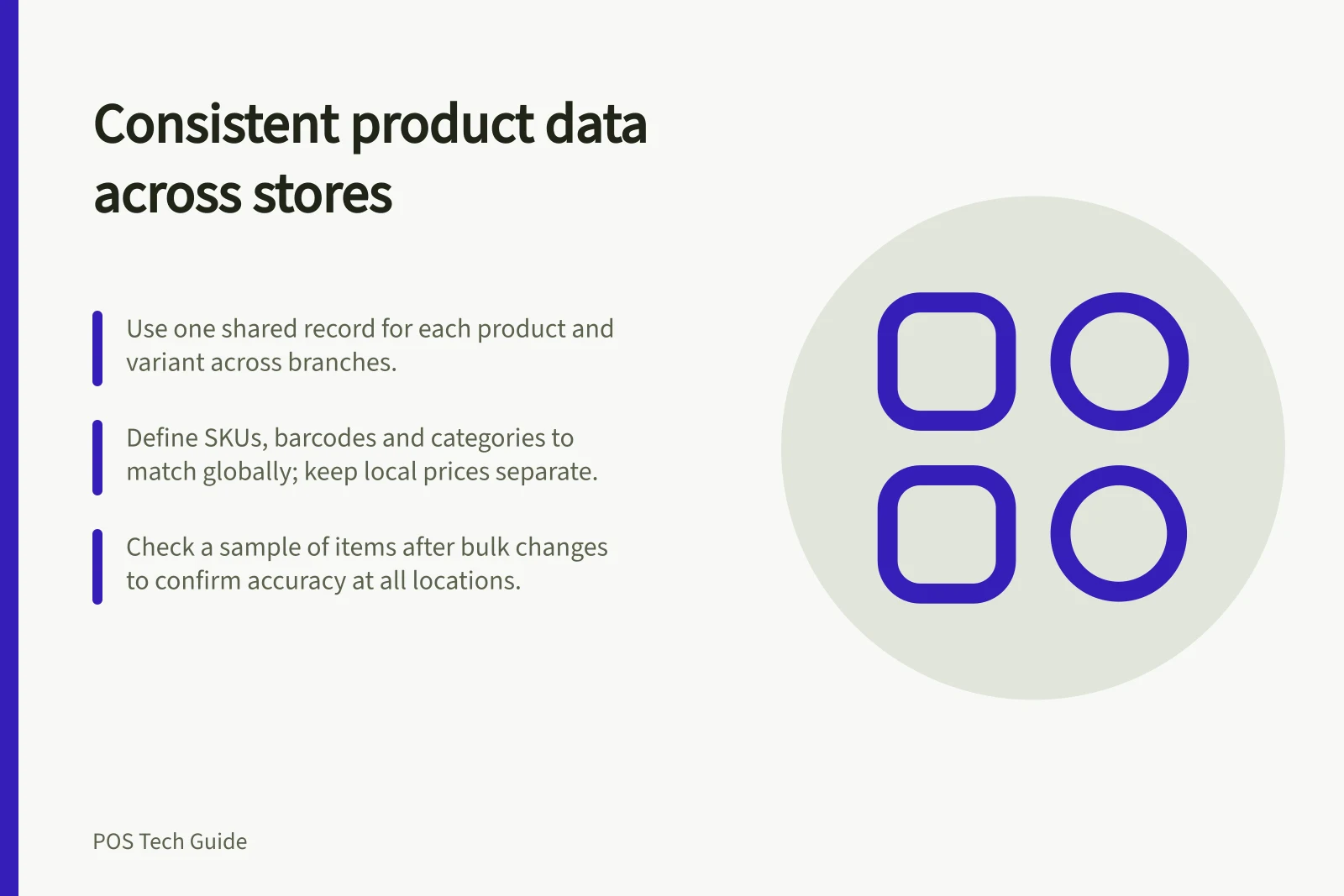
Use one agreed record for each product and variant across branches, then manage stock, availability and approved price differences by location. Give catalogue changes an owner so staff can correct a record without creating a duplicate at their store.
Define shared and local fields
Agree which fields identify the same item everywhere: name, variant, SKU, barcode, selling unit and reporting category. A SKU should distinguish one variant from another.
Keep location quantity and whether a branch stocks the item separate from that identity. Where prices differ by branch, document who approves the local value.
Shopify says SKUs within its admin must be unique. Its guidance includes a section on setting up SKUs for multiple locations.
Square lets items be assigned to locations. Its Dashboard bulk editor includes SKU, price, category and location fields.
These tools provide a way to maintain records, but staff still have to decide which value is correct.
Give branches a change path
Nominate a catalogue owner and backup. A branch request should identify the item, the field, the reason and affected locations. The owner decides whether to correct the shared record or a local setting, and tells branches when a checkout-relevant change takes effect.
If one store scans a blue jacket under a second SKU, check the variant record before creating another product. If the store has stopped stocking the jacket, review its location settings. A duplicate item can split later stock and sales records.
Check a sample after bulk changes
Preserve the current catalogue in a format your POS supports before a large edit or import. Check a common item, a variant, an item absent from one branch and an approved local price difference. After the change, inspect the records in admin and at affected locations.
Square documents item-library export and import. It recommends exporting a copy of the catalogue before making changes to an existing catalogue.
Check the current template and sample records before relying on an uploaded file; importing data is not proof that every branch sees the intended item.
Resolve exceptions before they spread
Keep a short list of duplicate records, missing barcodes, wrong-location visibility and mismatched categories. Assign each issue an owner.
Record whether the fix is to correct the shared identity, change a location setting or retain an approved local difference. Review unresolved items before opening another branch or adding a large product range.
Key Data Points for Maintaining Product Consistency
- Duplicate Records
- Must be resolved to avoid split sales and stock data.
- Missing Barcodes
- Can cause checkout errors and inventory discrepancies.
- Wrong Location Visibility
- May lead to customers seeing unavailable items.
- Mismatched Categories
- Impacts reporting accuracy and search functionality.