Payments & Reconciliation
Part of POS customer records
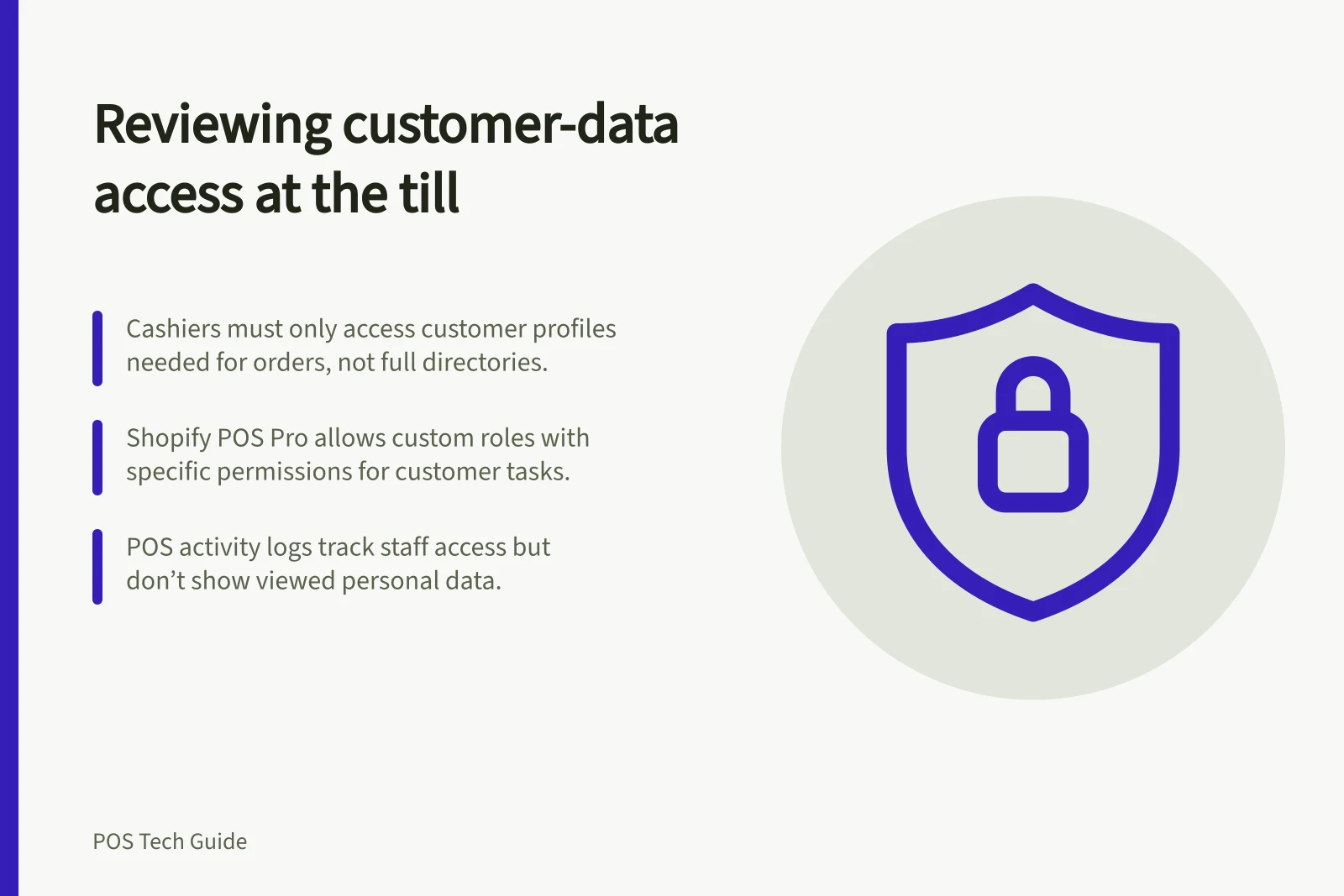
Reviewing customer-data access at the till
Check which till roles can view, edit, delete or export customer records against the actual plan, location and access routes.
Review customer-data access by checking what each real staff role can see and do on the installed POS. Record whether a cashier can attach a customer, open details, edit a profile or reach a bulk export. A role name alone does not establish the boundary.
List the customer tasks
Start with the work each role needs. A cashier may need to attach a profile to an order; a shift lead may need to correct a contact detail.
A smaller group may handle merges, deletions or customer-list exports. Check viewing and changing separately.
| Task | Access question |
|---|---|
| Find and attach | Can staff select the right customer without opening unnecessary details? |
| View details | Are addresses, notes or custom fields visible beyond the current task? |
| Edit or delete | Who can change or remove a record? |
| Export | Who can download the customer list through admin or another connected route? |
| Review activity | Which customer-access events can an authorised manager inspect? |
The POS may not separate every action in the same way. Record any bundled permissions that grant more access than the task needs.
Check the plan and every access route
Square’s customer-directory actions depend on customer permissions, with creation and profile changes available through documented Dashboard or POS paths for authorised users. Check both routes rather than assuming a narrow till screen limits Dashboard access.
Shopify POS permissions control access to POS-level tasks, but the supplied permissions list does not establish separate permissions for viewing or changing customer details. Pinned customer metafields are displayed in Shopify POS only at POS Pro locations, and an internet connection is needed to view them.
On the POS Pro plan, Shopify lets merchants create custom POS roles with permissions for POS app activities. Check the roles and staff access configured for each relevant location.
Check connected apps and admin access as separate routes to customer information. A till permission review does not establish what those systems allow.
Record the result safely
Use an approved sample profile or another safe method supported by the business. For each role and relevant location, record whether a permitted action works and a restricted action is denied. Note the account, subscription, device and role. Do not copy live customer details into the review sheet.
Give each discrepancy an owner. A cashier who cannot find a customer needed for a delivery may need a different handoff; one who can download the full directory may have excessive access. Repeat the affected check after a setting change.
Know what the logs show
Shopify’s dedicated POS activity log records when a staff member opens a customer record. It attributes the action to the signed-in staff member, retains events for one year and cannot be exported from admin.
It does not show the personal information viewed or failed and cancelled actions. Unique PINs matter for attribution. Shopify’s separate general store activity log displays at most 250 results; that is not the retention rule for the POS log.
For entities covered by the Privacy Act, the OAIC’s guidance says reasonable steps to protect personal information from unauthorised access include technical and organisational measures. Recheck customer access when duties, locations, subscriptions or connected apps change, and keep broader refund and store-permission decisions in their own review.
Key Access & Security Metrics
- POS Activity Log Retention
- 1 year
- Max Results in General Activity Log
- 250
- OAIC Guidance: Reasonable Protection Steps
- Technical and organisational measures
- Internet Required to View Pinned Metafields
- Yes (Shopify POS Pro)