Payments & Reconciliation
Part of POS security and controls
Assigning permissions for refunds and discounts
Build POS permissions for discounts and refunds, define approval points and check restrictions on the actual plan and location.
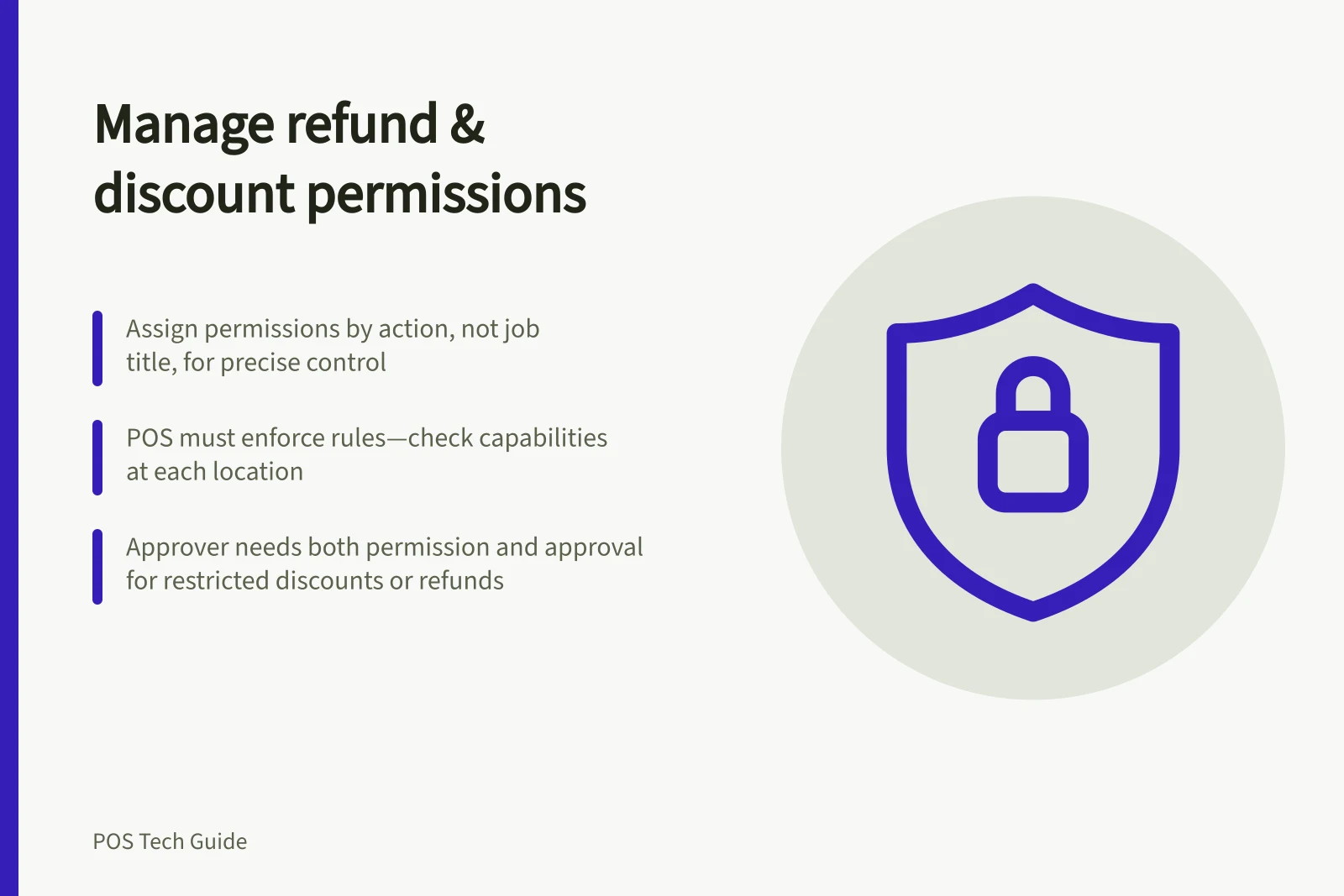
Assign refund and discount permissions by action, not job title alone. Decide which reductions a cashier may apply, which need approval and who may refund a completed payment. Check whether the POS can enforce each rule on the business's plan and at every relevant location.
Separate the decisions
A discount changes a cart before payment; a refund returns money after payment. Removing an unpaid item, voiding an open ticket and issuing a refund without a linked sale are separate decisions. Put each on the role sheet individually.
| Action | Possible business rule | Record to check |
|---|---|---|
| Apply an advertised offer | Cashier may apply it when eligibility is clear | Offer and completed sale |
| Give an ad hoc discount | Require an authorised approver | Cart amount and approval, where recorded |
| Refund a completed sale | Limit to trained, authorised staff | Original order, payment and refund |
| Issue an unlinked refund | Reserve for a named manager | Customer request and independent verification |
These are examples for designing roles, not default provider settings. If the business uses an amount threshold, confirm whether its POS can enforce that threshold. Otherwise keep it in the approval procedure and review the resulting transactions.
Check the available controls
At Shopify POS Pro locations, roles can allow, deny or require approval for custom discounts, discount codes and returns. An approver needs both manager approval and permission for the action. Return permissions also distinguish tasks such as creating an unverified return and deciding where an item is restocked.
POS roles do not apply at Lite locations; a Pro restriction must not be assumed to protect a Lite counter.
Square uses permission sets across POS and Dashboard. Its Australian guidance identifies a checkout permission for restricted manual discounts and a transactions permission for refunds. Square for Retail also identifies a separate permission to issue unlinked refunds; its unlinked-refund workflow is limited to the documented retail modes and subscriptions.
The number of custom permission sets varies by subscription. Check the actual account and mode before assigning these controls.
POS Permission Controls: Shopify POS Pro vs Square (Australia)
- Custom DiscountsShopify: Allow/Deny/Require Approval | Square: Restricted manual discounts via checkout permission
- Discount CodesShopify: Allow/Deny/Require Approval | Square: Not explicitly restricted in standard guidance
- Refunds on Completed SalesShopify: Require approval or limit to authorised staff | Square: Requires transactions permission
- Unlinked RefundsShopify: Not applicable at Lite locations | Square: Separate permission, limited to retail modes and subscriptions
- Return & Restock DecisionsShopify: Distinguish tasks like unverified return and restocking location | Square: No explicit distinction in documentation
Give the approver a decision path
For a refund, find the original sale and confirm the payment, requested remedy, amount and method. If stock will be returned, decide whether it should be restocked. Resolve uncertainty about the original payment before creating another transaction. Square warns that a refund cannot be cancelled once issued.
For an ad hoc discount, check the item, reason and final cart total. A preset promotion can have eligibility rules. Square says restricted manual discounts apply only to eligible items; Shopify distinguishes custom discounts from discount codes. Use the intended route so the sale record reflects the decision.
Verify the configured roles
Have an authorised person check an allowed offer, a restricted ad hoc discount and a refund request using the intended cashier identity on each relevant plan and location. Confirm that the approver can complete only the intended actions and inspect the resulting records. Record a restriction that fails as a configuration issue.
Verify Configured Roles for Refunds and Discounts
- Test allowed offer applicationUse cashier identity on each relevant plan and location
- Test restricted ad hoc discountConfirm only approved users can apply; check approval workflow
- Test refund requestEnsure approver can complete only intended actions and inspect records
- Document configuration failuresRecord any restriction that does not work as expected