System Selection
Part of POS security and controls
Removing former staff from POS access
Close a departing worker’s POS, admin and connected-service access, change shared secrets and check the result.
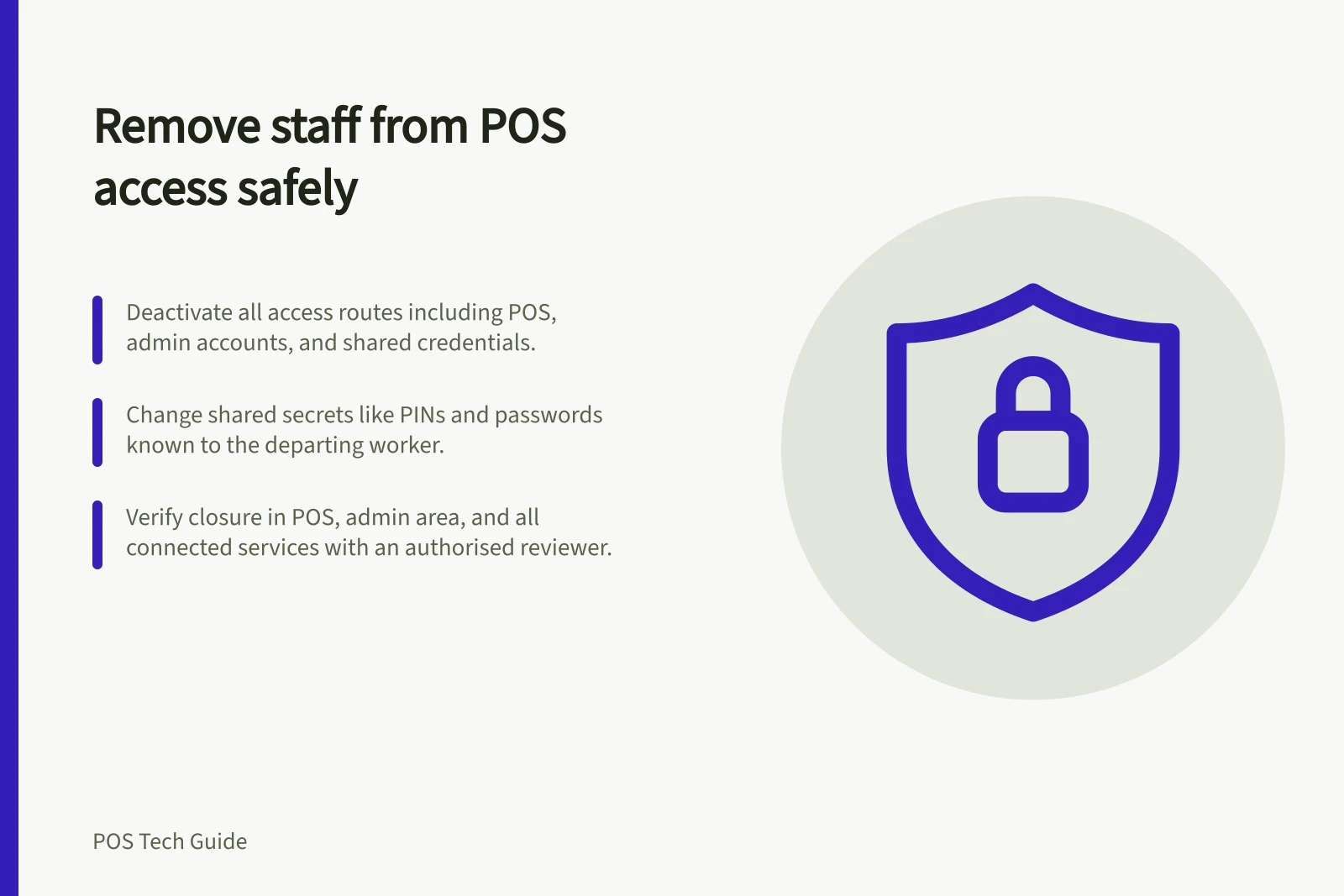
At the agreed handover time, remove the departing worker's access through every route they used: POS identity, any administration account, assigned locations and separate connected services. Then check the account status. Changing the roster or collecting a device does not close a login.
List the access routes
Before the final shift, identify the person's staff profile and PIN, administration login, locations, business devices, active app or device access, and any separate payment, booking, delivery or support accounts. Include badges and shared credentials they knew.
Name the authorised person who will make each change and someone to check the result where practical.
Coordinate the timing with the manager. A planned departure may allow access to end after the final transaction and handover; an immediate removal calls for the authorised owner to act at once.
Ensure a replacement has their own access so trading does not depend on the departing person's identity.
Use the control for the account type
Square documents deactivating a team member. Square personal passcodes support individual attribution; its shared team passcode does not. If the departing person knew a shared passcode, change it separately.
Shopify has both users with admin access and POS-only staff. Its user-management route can suspend a user's access and separately revoke device permissions.
POS-only staff can also be managed through the POS staff controls; the available action depends on the account type and management route. Identify the actual user before acting.
Do not assume that changing one PIN, role or location closes every other account the person holds.
Suspending access and removing a user are different actions, so use the action that meets the access and record-retention need.
Change shared secrets and check sessions
Recover business devices and badges. Follow the provider's supported sign-out or revocation path for sessions the person used.
Change any shared PIN, password or recovery secret they knew. Give the replacement their own account rather than circulating an administrator password.
Deactivating one person's account does not close unrelated third-party services.
Confirm closure
Have an authorised reviewer check the former worker's status in the POS, administration area and each separate service on the access list. Confirm that no intended working location or shared credential still provides access.
Use account-status and provider-supported checks; do not ask the former worker to try a live login. Record the time, action, reviewer and unresolved owner.
Keep past transaction attribution and employment records through the business's normal retention process. If the person returns, review current duties and locations before restoring access.
Key security metrics after staff departure
- Access routes checked
- All listed in the access audit
- Shared secrets changed
- Yes, if known by former staff
- Sessions revoked
- Confirmed via provider tools
- Verification completed
- By authorised reviewer