System Selection
Part of POS contracts and replacement
Calculating switching costs beyond the new monthly fee
Compare staying and switching costs over one period, including migration, hardware, overlap, contracts and processing.
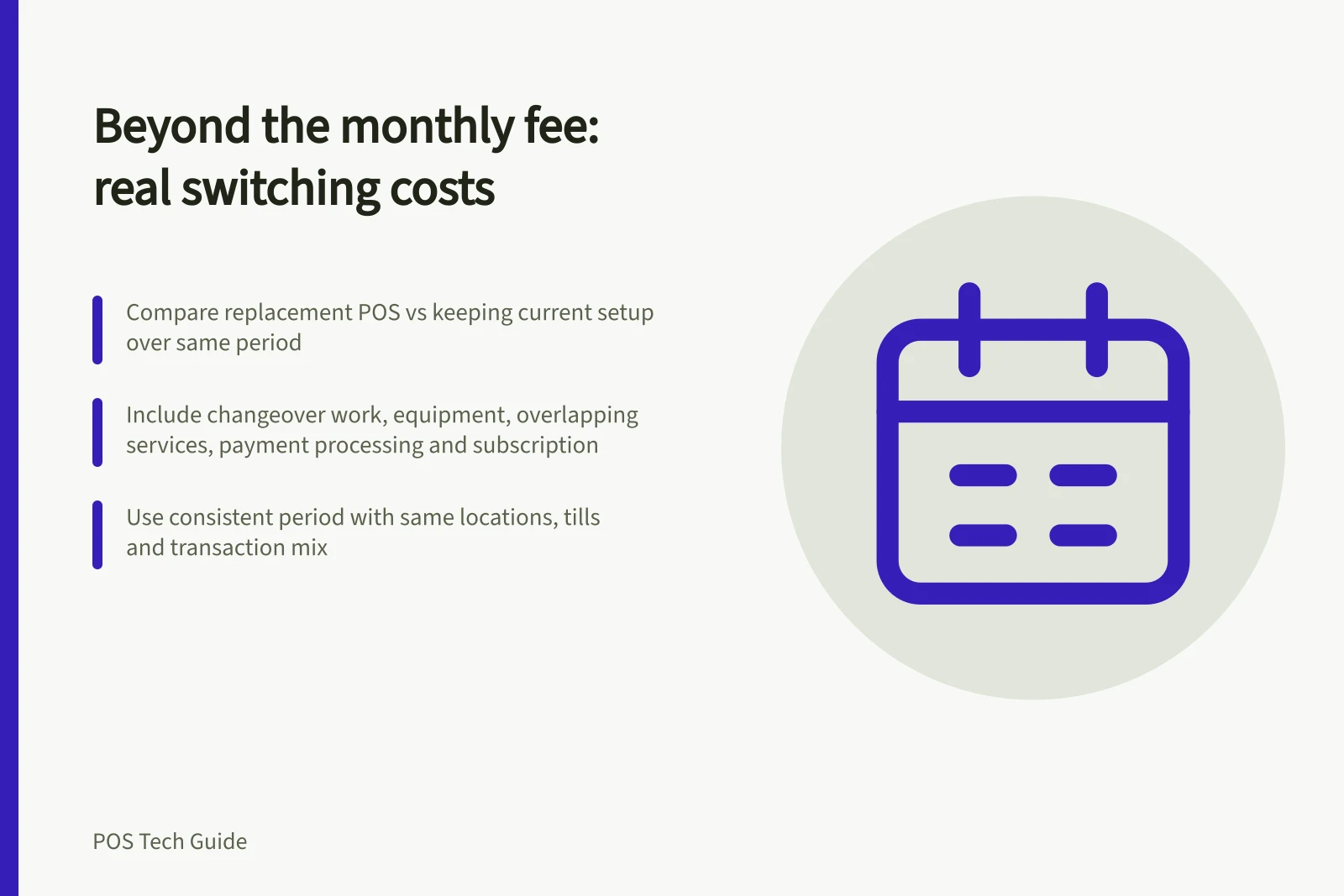
Compare the cost of replacing a POS with keeping the current setup over the same period. Include changeover work, equipment, overlapping services, payment processing and the new subscription. Keep quoted amounts separate from estimates.
Set one comparison period
Choose a period covering the proposed launch and the old agreement's relevant renewal or end date. Use the same locations, tills and expected transaction mix for the stay and switch options. Record whether each amount includes GST and treat it consistently, with the business's bookkeeper reviewing how the figures will be used.
Put costs incurred under either option in both columns. Record uncertain amounts as a range or request a quote. A charge already committed under the old agreement may remain payable after switching; check whether it appears in both options before calling it an extra switching cost.
Steps to Calculate POS Switching Costs
- Set a consistent comparison period covering launch and old agreement end/renewal
- Use same locations, tills and transaction mix for both options
- Record all costs including GST consistently; involve bookkeeper
- Include existing commitments in both columns (e.g. notice fees, instalments)
- Estimate uncertain amounts as ranges or request quotes
Build the cost list
Cost / Figure to obtain
- Existing commitments
- Remaining subscriptions, notice dates, terminal rental and equipment instalments.
- New equipment
- Checkout devices, readers, peripherals, delivery and installation.
- Migration
- Exports, data preparation, setup and paid supplier help.
- Staff time
- Training, transaction checks and temporary dual workflows.
- Overlap
- Old and new services or processors active together.
- Ongoing difference
- Plans, add-ons, support and processing after launch.
Give existing equipment a reuse value only after checking support for its exact model and payment setup. Square advertises kits and individual hardware in Australia, while Shopify describes supported hardware combinations.
To check whether a Shopify-supported card reader can be used, confirm the store is in a supported country and uses Shopify Payments.
Shopify POS Pro is an additional monthly cost per POS location and can be added to specific locations.
Square's General Terms govern use of Square services and refer to additional terms for specific services, including certain Square Point of Sale services.
Key Cost Components in POS Switching
- Existing Commitments (e.g. terminal rental)Check contract terms
- Staff Time & TrainingEstimate based on hours
Calculate and challenge the result
Switching difference = total cost of switching during the chosen period − total cost of staying during that period.
For illustration only, suppose the current service costs $180 a month and a replacement costs $130. Migration costs $1,500, and the old service runs for two months after the new one starts. Over 12 months, staying costs $2,160.
Switching costs $1,500 + $360 for the old service + $1,560 for the new service, or $3,420: $1,260 more in that first year. This hypothetical example omits equipment, processing, GST and staff time. It is not a supplier quote.
Change one assumption at a time, such as the overlap period or whether a reader can be reused. Estimate processing from the business's payment mix and applicable quoted rates, rather than one headline rate.
Keep each amount beside its source or estimate and assign an owner to missing figures. Record operational benefits separately so the business can judge the cost against the problem the replacement is meant to solve.
Pros and Cons of Switching POS Systems
- ProsBetter payment processing rates, improved reporting, better integration with accounting software, enhanced customer experience
- ConsUpfront migration costs, potential downtime during transition, staff training time, overlapping subscription fees, risk of data loss if not managed properly