System Selection
Part of Choosing a POS system for an Australian business
Comparing cloud POS with locally installed systems
Compare cloud and locally installed POS systems by connectivity, offline functions, recovery, updates and support responsibilities.
Compare where checkout functions run, which records stay local and what happens when connections fail. ‘Cloud’ and ‘locally installed’ describe parts of a system; neither label guarantees uninterrupted trading. Ask which checkout, payment, stock and reporting tasks work in the proposed configuration during an outage.
Map the parts of the system
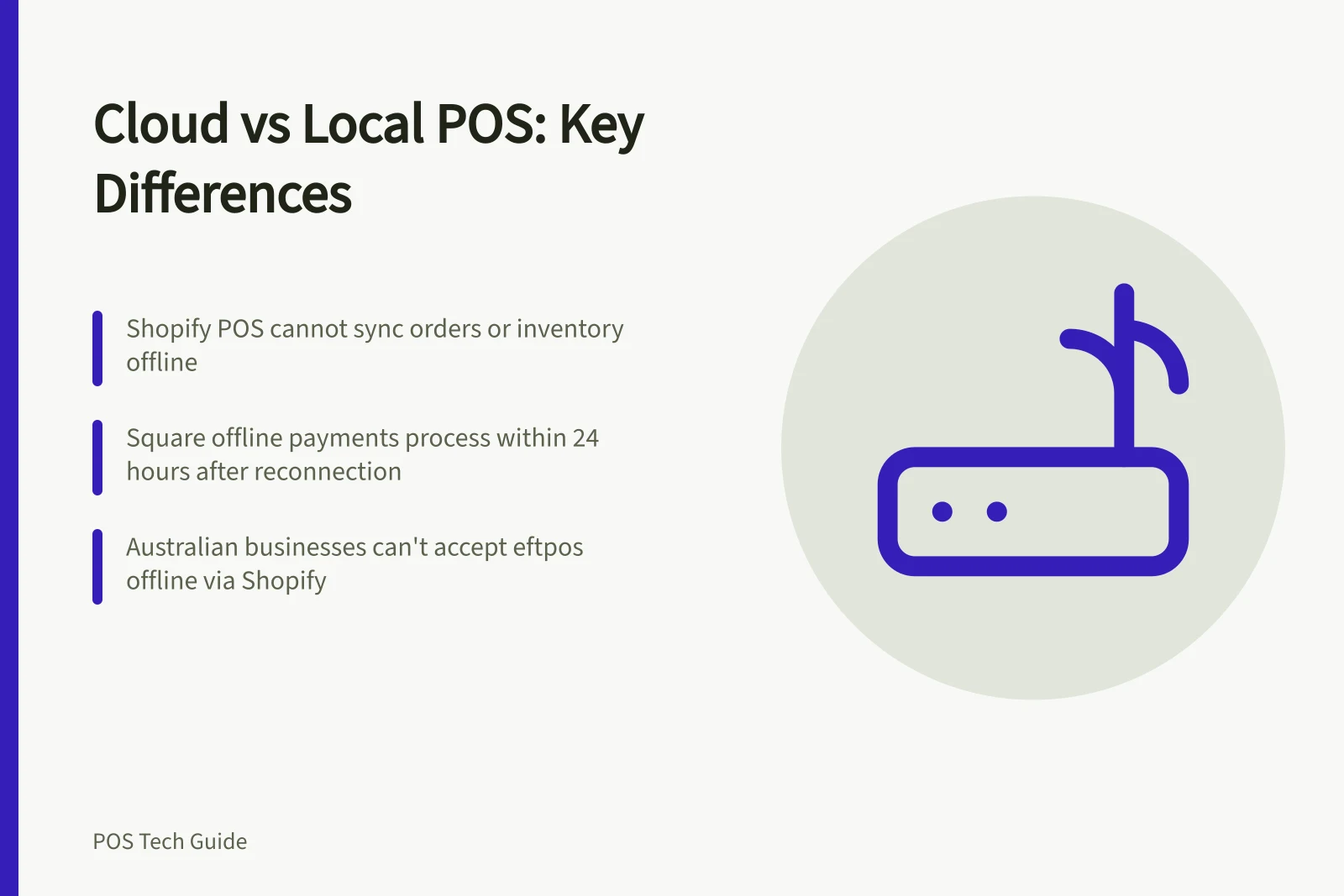
For a cloud-connected POS, ask which records stay on the till, which sync to the provider and which actions need a live connection. Shopify’s POS guidance says orders and inventory cannot sync with Shopify admin while the device is offline. Customer search, returns and some fulfilment actions are unavailable.
Cash and configured manual payments can continue; offline card payments have separate requirements.
For locally installed software, ask what runs at the register or on a local server, which central services it still uses and who maintains each component. Microsoft documents Store Commerce for Windows switching from the channel database to an offline database when the Commerce Scale Unit is unavailable, provided offline support is enabled for the register.
Installation on a local device does not establish that payments or integrations will work during an outage.
Compare failure and recovery
| Question | Cloud-connected proposal | Locally installed proposal |
|---|---|---|
| Internet fails | Which sales and payment methods continue? | Which central services or terminals are still needed? |
| Local network fails | Can devices and printers still communicate? | Can tills reach the local server or database? |
| Connection returns | How are pending orders and payments checked? | How are local transactions synchronised? |
| Software changes | Who schedules app and device updates? | Who patches registers, servers and databases? |
| Provider changes | Which records can be exported? | Who can retrieve and read the local data? |
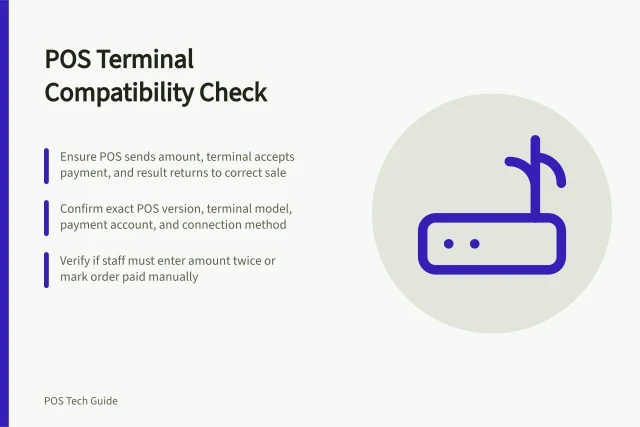
Request answers for the hardware, payment provider and deployment being quoted. A card terminal may have different connectivity needs from the POS device beside it.
Cloud-connected vs Locally Installed POS: Offline Functionality and Recovery
- Internet failsCloud: Only cash/manual payments continue; card payments require offline mode. Locally installed: Depends on local server availability and configuration.
- Local network failsCloud: Devices may not communicate without local network. Locally installed: Tills may lose access to central server/database.
- Software changesCloud: Supplier manages updates. Locally installed: Business must schedule and apply patches for registers, servers and databases.
- Provider changesCloud: Data export options depend on provider. Locally installed: Business retains full control over data retrieval and format.
Treat offline card payments separately
Square’s Australian support page says offline payments are available in specified Square POS modes. Afterpay, Square Gift Cards, Tap to Pay on iPhone and Android, and manually entered card numbers aren’t available offline.
Offline payments are stored in the POS app and process automatically when the device reconnects within 24 hours (no later than 72 hours).
Shopify’s offline payment guidance requires activation, permissions and compatible equipment; it says Australian businesses cannot accept eftpos payments offline. Neither example makes an offline card sale a settled payment. Decide how staff will identify and check pending transactions.
Choose the responsibilities you can support
A cloud-connected service may reduce local software maintenance, but the business still needs supported devices, account access, a suitable network and a recovery procedure. A locally installed setup may keep more transaction work on site, while requiring local installation, data care, updates and synchronisation.
Ask each supplier to map the path from till to payment, stock record and reporting. Mark each connection and the party responsible for support.