Payments & Reconciliation
Part of POS offline and outage planning
Reconciling transactions after a connection returns
Check offline payment outcomes, synced orders and manual outage entries after the POS reconnects, with a clear exception record.
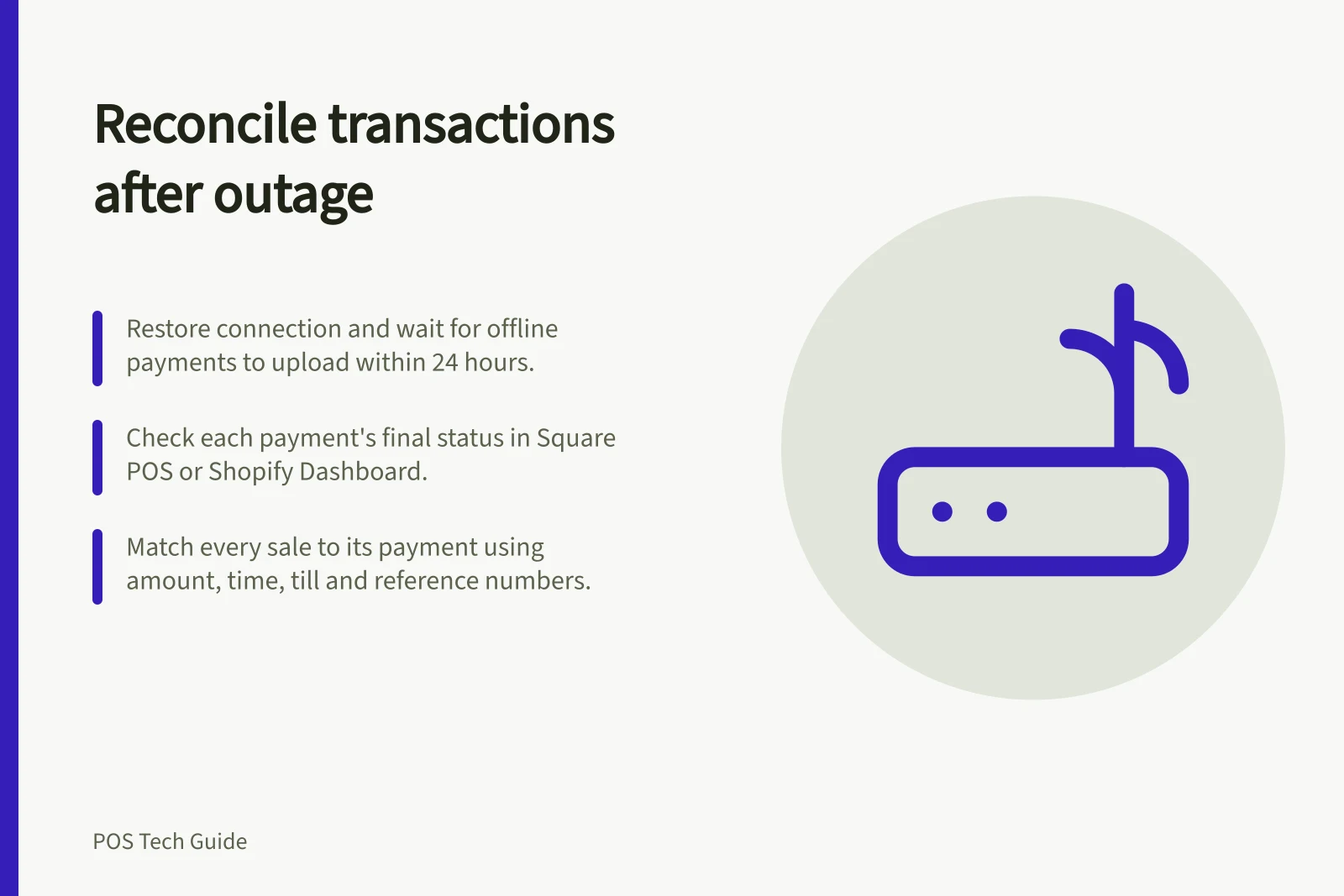
After an outage, reconcile the affected transactions before treating the shift as closed. Restore the connection, let devices holding offline records upload, then check each payment's final status and each sale's presence. A restored Wi-Fi symbol does not mean every offline card payment succeeded or every order synced.
Preserve devices and define the window
Record when the disruption began and ended, the affected tills and locations, and which devices accepted offline payments. Keep those devices available until their pending records are accounted for. Square warns that signing out, changing mode or location, deleting the app or resetting a device can permanently lose pending payments.
Square offline payments process automatically when the device reconnects within 24 hours, and no later than 72 hours. Shopify recommends reconnecting as soon as possible, ideally within 24 hours.
Include transactions close to the outage boundaries, because an attempt started just before the fault may have an uncertain result. Keep the outage log, terminal slips and numbered manual sheets beside the POS and processor records. They help locate transactions but do not establish final payment status.
Key Reconciliation Metrics Post-Outage
- Max upload window (Square)
- 72 hours
- Pending payment visibility
- POS app or Dashboard (Square)
- Manual sync option
- Available in Shopify only
- Customer data retention for declines
- Shopify: yes; Square: no
Check pending payments and synced orders
Square shows pending offline payments in its POS apps. After upload, completed and declined results can be viewed in the app or Dashboard.
Shopify offline card payments remain unprocessed until the device reconnects, when the card payment is captured or may be declined. Shopify says offline orders and inventory should sync after reconnection; if they do not, you can manually sync your data.
Work through each affected device and inspect every declined, missing or still-pending entry. Do not treat an offline acceptance screen or customer bank notification as final merchant-side confirmation. If a device cannot upload, keep the exception open and follow the provider's recovery instructions before logging out or replacing it.
Match each sale to its payment
| Record | Compare with | Action |
|---|---|---|
| Offline POS order | Final payment status and amount | Leave a decline or pending result open for the manager. |
| External terminal charge | Original POS sale and terminal reference | Correct the original sale through the supported path if needed. |
| Numbered manual sale | POS order and cash or processor evidence | Enter a missing sale once and label it as backfilled. |
| POS paid mark with no charge found | Processor records for affected devices | Investigate; do not count the mark as collected funds. |
| Possible duplicate charge | Individual references and statuses | Use the processor’s correction path before another charge. |
Use a shared transaction reference where both systems provide one. Otherwise compare amount, time, till, payment method and items. A payment processed by an external terminal needs the external processor's record.
For each exception, record its status, owner and next check. A declined offline card payment is a collection issue; entering another "paid" method will not resolve it.
Shopify says contact details collected with an offline order can be used to seek payment after a decline. Square says it cannot supply customer contact details for declined or expired offline payments.
Once the outage backlog is accounted for, pass confirmed payments and cash entries to the normal end-of-day close. Keep the outage window, device list, references, backfilled entries and open cases together. Routine drawer counts and later bank payouts are separate checks.