Payments & Reconciliation
POS offline and outage planning
Plan what staff can sell and how they can take payment when the internet, POS service or terminal fails, then check pending transactions after recovery.
Plan for the part of checkout that fails: internet access, the POS service, the local network, the payment terminal or power. For each fault, decide what staff can still sell, how they will confirm payment and who will check the records afterwards. An “offline mode” label does not answer all three questions.
Map the checkout path
At each counter, list the POS device, payment reader or terminal, network, printer and any kitchen handoff. Note whether the terminal is integrated with the POS or processes payments separately. A working till does not prove that a card payment can be taken; a working terminal does not prove that the POS recorded the sale.
| Fault | First check | Trading decision |
|---|---|---|
| Internet access | POS and terminal connection status | Use only payment routes approved for this setup. |
| POS service | Provider status and affected sales | Follow the provider’s disruption procedure; hold uncertain charges. |
| Terminal or reader | Processor-side payment status | Use an approved alternative or pause the sale. |
| Local network or power | Devices and peripherals still operating | Move to an approved counter or manual record, if available. |
A mobile hotspot may restore an internet connection, but the POS, terminal and networked peripherals must be able to use the resulting network. Moving a till to another network does not necessarily reconnect its reader.
Treat local connections as distinct from internet access. Shopify POS Bluetooth and USB connections remain available offline, while LAN and Wi-Fi connections remain available only while the local network is active. A restored internet connection will not fix a failed local network or device connection.
Include the local network and connection type in the counter map for each reader and peripheral. This helps staff distinguish an internet outage from a local connection fault before choosing an approved checkout route.
Check what offline checkout permits
Square's Australian guidance distinguishes internet outages from Square service disruptions. Sellers can choose whether to accept cash and offline card payments for either or both. Square Gift Cards, Tap to Pay and manually entered card numbers are also excluded.
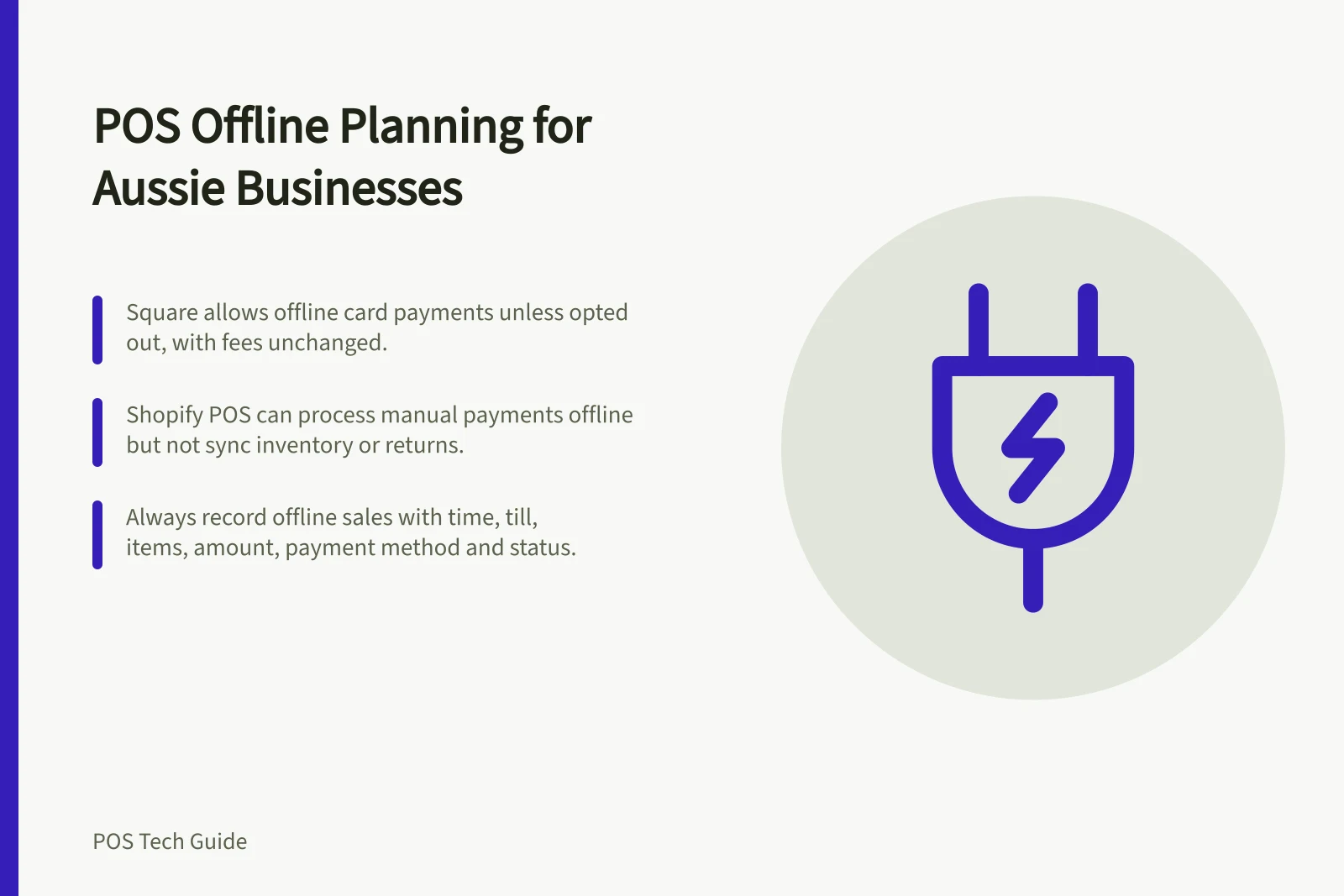
Square says offline payments will be automatically allowed on all devices unless sellers opt out. Notifications to review settings start in March 2026. Check the account's current settings rather than assuming the feature is off or approved for use. An offline card payment is stored securely while the device is offline and processes automatically after reconnection.
Shopify POS can accept cash and manual payments set up as custom payment methods offline. Without an internet connection, you might be able to process offline credit and debit card payments, but you cannot capture the payment until the POS device reconnects.
Shopify also lists customer search, returns, voids, automatic discounts and order or inventory syncing as unavailable offline. Neither provider's rules establish what an unrelated EFTPOS terminal can do.
For each essential task, record the app, device, payment account, staff role and connection it needs. Include a routine sale and the exceptions staff handle, such as a changed order, declined payment or return. Keep documented capabilities separate from results checked on the installed setup.
Shopify says a Terminal Reader with Shopify Payments might authorise card-present payments in real time while offline checkout is turned on. Treat that as a reader-specific capability, not a general promise that every offline card transaction is captured or settled immediately.
Assign outage authority and choices
Set authority before an incident. Square says account owners or team members with account and settings permission can allow offline payments, while team members need the checkout setting to take payments. Decide whether settings permit payments during an internet outage, a Square service disruption, or both; permission to configure is not the same as permission to transact.
Square says its current processing fees apply to offline transactions according to payment type, with no difference in fees. Its app securely stores offline payments while the device is offline, so include fee treatment and the person authorised to enable the setting in the outage decision.
Decide how money and sales will be recorded
Choose in advance whether staff may take cash, supported offline card payments, a confirmed payment through a separate terminal, or no payment for each failure. Set a manager-approved limit for payments whose result will be known only after reconnection. Tell customers when a card payment is pending rather than settled.
If a terminal result is unclear, find the original attempt in the processor's record before retrying. A manually selected POS payment type records what staff entered; it does not charge a card through an external terminal. For an external terminal, verify its result before marking the order paid. Square describes cash and other tender types as records of funds it does not process.
Keep one traceable entry per affected sale: time, till, items or service, amount, payment method, sale reference, terminal reference if available, and status. Useful statuses include cash received, external payment confirmed, offline card pending and payment unresolved.
If the POS cannot record a sale, use a numbered sheet and name the person who will enter it after recovery. Keep full card details out of the log and label later entries so the sale is not counted twice.
Recover before closing the outage
Keep devices holding pending transactions available and follow the relevant provider's recovery instructions before reconfiguring a device.
After reconnection, check that pending payments are uploaded and processed. Square says offline payments process automatically when the device reconnects within 24 hours, and no later than 72 hours.
After Shopify POS reconnects, review offline card transactions for their processing results. Match paper entries and separately processed terminal payments to their original sales. Investigate duplicates and unresolved results before another charge, then pass confirmed takings to the normal close.
Keep the plan at the till with approved payment choices, supplier contacts, an outage log and a recovery owner. Review it when devices, payment providers, permissions or POS settings change.
For Shopify POS, log in while connected so the app can import store products before an outage. If internet access fails after login, the app can continue to be used provided staff do not log out; keep the device available and logged in until recovery is complete.
Key Recovery Metrics for Offline Transactions
- Maximum Auto-Processing Window (Square)
- 72 hours
- Auto-Process Timeframe (Square)
- Within 24 hours of reconnection
- Required Reconnection for Shopify Review
- Manual review after reconnection
- POS Login Requirement (Shopify)
- Must stay logged in post-login to continue using app offline
- Card Data Security (Square)
- Securely stored while offline
In this guide
- Checking which POS functions work without internetUse a task-by-task check sheet for POS sales, payments, returns, peripherals and syncing when the internet is unavailable.
- Recording sales during a payment terminal outageRecord items, amounts and payment status when an EFTPOS terminal fails, without mistaking a POS paid mark for a confirmed card charge.
- Reconciling transactions after a connection returnsCheck offline payment outcomes, synced orders and manual outage entries after the POS reconnects, with a clear exception record.
- Keeping a practical counter-service backup planBuild a one-page counter backup plan with a shift lead, approved payment routes, sale records and a recovery handover.