Payments & Reconciliation
Part of POS for service businesses
Handling deposits and balances in a service POS
Check deposit booking rules, apply earlier payments to the final service sale and trace changed bookings, refunds and balances.
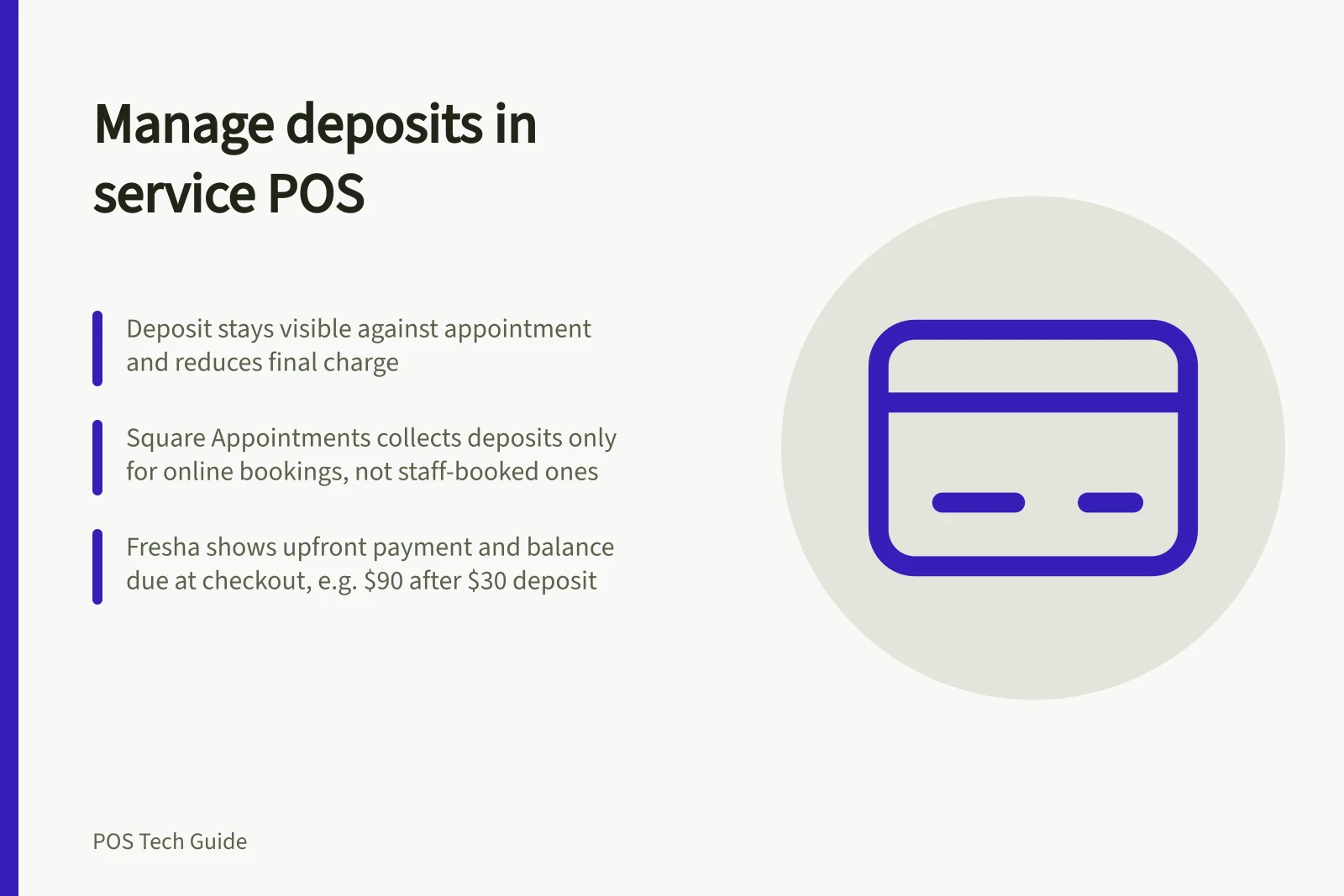
A service deposit should stay visible against its appointment and reduce the amount due at final checkout. Staff need to see the earlier payment, the final agreed charge and any balance or refund.
A deposit, full prepayment and a card held for a possible no-show fee are different arrangements. Set the booking rule before configuring the POS.
Pros and Cons of Using Deposits in Service POS
- Pro: Reduces no-show risk
- Clients less likely to miss appointments when a deposit is paid.
- Con: Risk of disputes if policy isn't clear
- Clients may expect refunds if cancellation rules aren't communicated.
- Pro: Improves cash flow
- Early payment supports business liquidity and accounting accuracy.
- Con: Complex tracking across systems
- Manual reconciliation needed if deposits aren’t properly linked to appointments.
Check the booking channel
Choose which services require an upfront payment, how the amount is set, and what the client sees about cancellation and refunds. Check whether the rule works for online, phone and in-store bookings used by the business.
Square Appointments' Australian deposit feature collects payment when clients book online. It does not take a deposit through that feature when staff book on a client's behalf.
Fresha documents both online upfront payments and collection of a deposit while scheduling an in-store appointment.
These differences matter most where staff make many bookings for clients.
Deposit Handling Across Australian POS Platforms
- Square Appointments (Australia)Collects deposit only on online bookings; does not collect deposits when staff book on behalf of clients.
- Fresha (In-store & Online)Supports upfront payments online and allows deposit collection during in-store appointment scheduling.
Show the balance before charging
Start checkout from the appointment and confirm what was delivered. Check how the POS applies the earlier payment to the final sale.
Fresha's payment guidance shows the upfront payment against the appointment so staff collect the remaining balance.
For example, if the final agreed charge is $120 and a $30 deposit is correctly applied, $90 remains to be paid. If the service or price changes, inspect the updated amount due before charging.
Handling Deposits: Key Checkout Process
- Start checkout from the appointmentEnsure the correct service and client are selected.
- Confirm delivered service and final chargeCheck if the service or price has changed since booking.
- Charge remaining balanceCollect the outstanding amount before finalising the transaction.
Trace changes, cancellations and refunds
A reschedule, cancellation or no-show can change what happens to the deposit. Find the original payment before taking or returning money, and follow the policy communicated to the client.
Square publishes guidance on refunding an appointment deposit. Deleting a booking should not be treated as proof that its payment was refunded.
Fresha's liability summary distinguishes deposits collected, redeemed and refunded. Fresha's payment transactions report includes deposit collections and deposit redemptions.
Confirm GST and accounting treatment with the business's bookkeeper.
For a demonstration, use a normal completion, a price change and a cancellation. Ask to see the appointment, payment history, balance and refund path in each case.
Deposit Tracking in Fresha Reporting
- Deposits Collected
- Visible in Liability Summary report
- Deposits Redeemed
- Recorded as 'deposit redemption' in Payment Transactions report
- Deposits Refunded
- Must be manually processed; deletion of booking ≠ refund