Multi-store Operations
Part of POS for service businesses
Tracking staff sales without misleading performance comparisons
Define staff sales attribution and compare service and product results alongside hours, appointments and service mix.
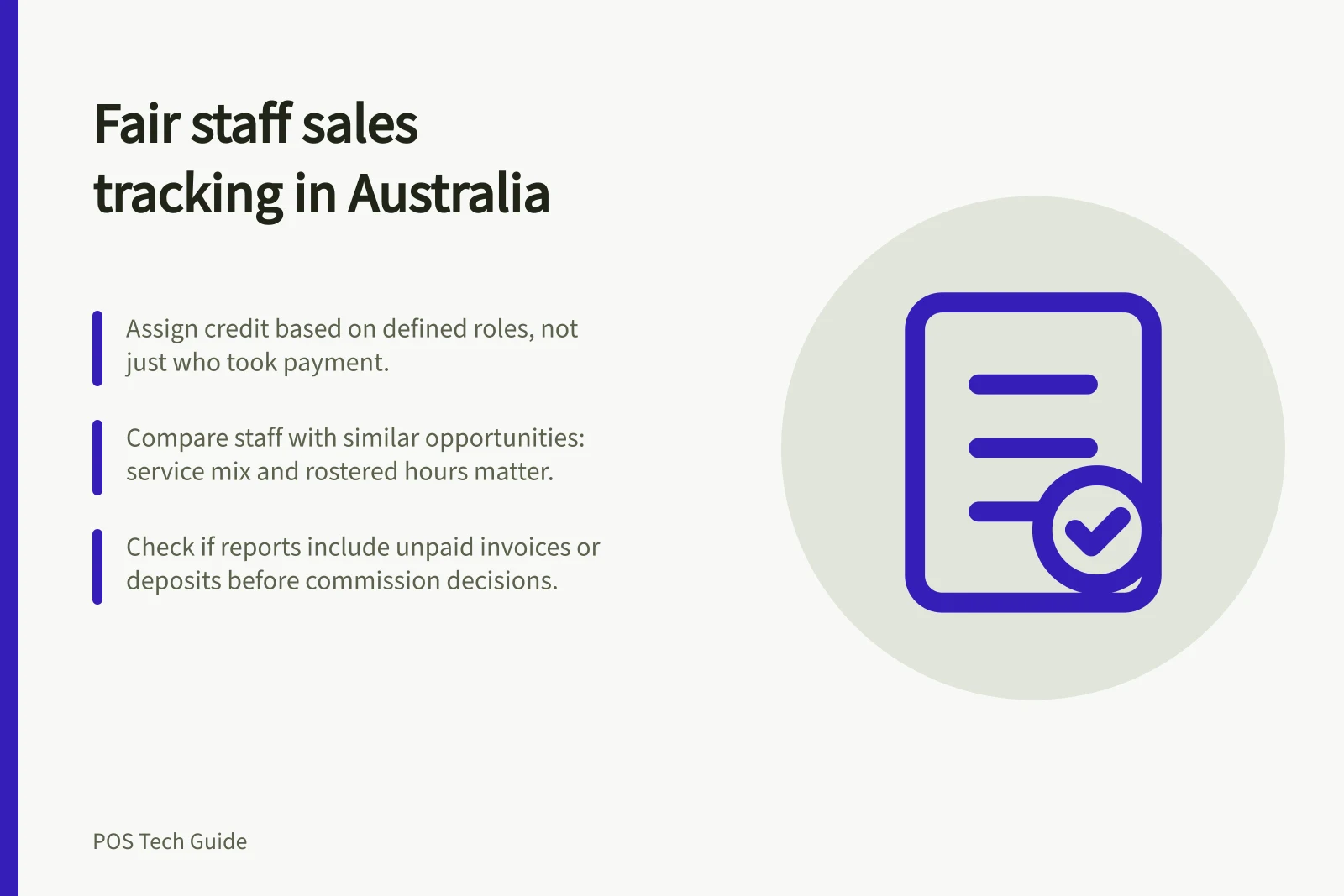
Staff sales are useful only when the report measures comparable work. The practitioner, retail seller and person taking payment may be different people. Define which role receives credit, check how the POS assigns it, and compare staff with similar opportunities before drawing conclusions.
Check what each staff field means
Trace sample sales from a staff report back to their appointments and payments. Square’s Australian checkout guidance associates a booked sale with the booked staff member, but an unbooked sale with the account logged into the device.
Timely provides sales and financial reports and a staff overview tab; check how those reports attribute invoices to staff and whether payment processing is recorded separately. Fresha allows the team member assigned to a sold item and the person assigned to payment collection to be changed separately after a sale, subject to its edit limits.
Set a rule for shared work. If one person delivers a service and another recommends a retail product, decide whose result should include the product. Check that the system records the agreed assignment before using the figure for a target or commission.
Staff Sales Attribution Across Platforms: Key Differences
- Square (Australia)Booked sale → booked staff member; unbooked sale → device login account
- TimelySales and financial reports with staff overview tab; invoice attribution based on assigned staff, payment processing recorded separately
- FreshaTeam member for product sold and payment collected can be changed post-sale (within edit limits); separate assignment possible
Compare opportunity alongside totals
Raw sales totals reflect more than staff performance. Rostered hours, service prices, appointment volume and service mix all affect the opportunity to sell. Show service and product sales separately, then consider completed appointments, rostered hours and the work assigned to each person.
Timely’s dashboard has a staff overview tab; check which sales measures it includes, how any average is calculated, and which services count towards it. Check the denominator before comparing people or periods.
Compare similar roles and periods. A practitioner assigned longer, higher-priced services has a different sales opportunity from one assigned shorter, lower-priced work. Even after allowing for those differences, a report suggests questions to investigate; it does not establish effort, skill or cause.
Separate invoices, payments and pay decisions
Timely provides sales and financial reports; check whether invoice figures include unpaid invoices and how payment reporting treats receipts. Fresha’s performance report separates service sales, product sales and appointment measures. A deposit taken or payment collected does not by itself identify who delivered the service.
For commission or payroll decisions, follow the business’s agreed rules and check individual sale records, including refunds and reassignment. A monthly review can show sales by type alongside appointments, hours, service mix and exceptions. Note any change to the roster or attribution rule, and discuss unusual figures with the staff member before treating them as a performance verdict.