Multi-store Operations
Part of POS implementation and training
Planning support for the first trading week
Set shift cover, supplier contacts, issue triage and daily handovers for the first week on a new POS.
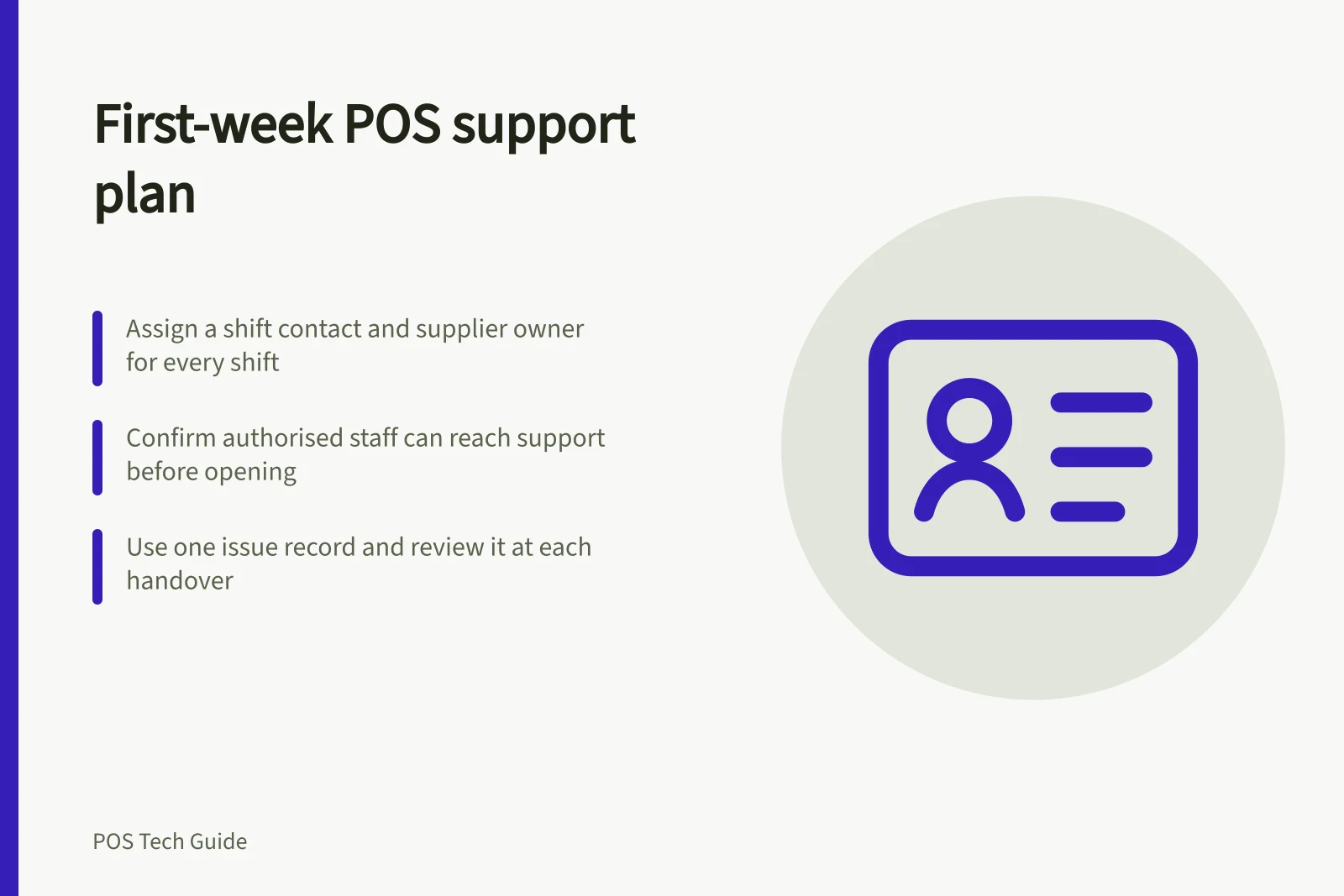
For the first week on a new POS, name a counter contact for every shift and an owner for supplier issues. Before opening, confirm how authorised staff reach support. Keep one issue record and review open problems at each handover, so staff know what to do while a customer waits.
Prepare a contact and cover sheet
List the shift lead, catalogue owner, payment provider, POS provider, hardware or network contact, and whoever can authorise a customer remedy. Record the account or device identifiers a supplier may request — but never leave passwords or sensitive credentials at the counter. Ensure an account owner or authorised representative is reachable when a supplier requires one.
Check the account’s actual channels and hours. Square’s Australian page lists live support Monday to Friday during business hours and limits account contact to owners or authorised representatives.
Shopify's support options depend on your plan or subscription. Arrange internal cover for opening, closing and trade outside supplier hours.
POS Support Availability: Square vs Shopify
- Support Channels
- Square: Live support via website (Mon–Fri, business hours)
- Contact Eligibility
- Square: Owners or authorised representatives only
- Support Hours
- Shopify: Varies by subscription plan
- Internal Cover Needed?
- Yes – especially outside supplier hours
Triage by customer impact
Use three routes. Stop and escalate now when a payment is uncertain, the wrong amount may be charged or an essential sale cannot be completed. Follow an approved counter instruction for a known limitation. Log for later when the issue does not affect a current transaction, such as a layout improvement. A manager decides where an unfamiliar case belongs.
Do not repeat a card charge because the POS screen froze. Check the original order and processor record first.
Keep the business’s outage procedure at hand for a loss of connection. Shopify POS, for example, cannot process returns or voids offline. These are Shopify limits; the business’s other providers may work differently.
Keep one usable issue record
Capture the time, location, till, staff role, transaction reference where available, what the customer and device showed, whether money may have moved, the temporary instruction and the next owner. Avoid full card details. Link repeated reports of the same problem instead of opening unrelated entries.
| At handover | Confirm |
|---|---|
| Payment questions | Processor status, customer follow-up and owner. |
| Product or price errors | Affected items and tills, plus the current counter instruction. |
| Device faults | Whether the station can be used and which alternative is available. |
| Supplier cases | Case reference, contact person and next update. |
Close an issue after the affected transaction or workflow has been checked and the counter instruction updated, rather than when a support reply merely arrives.
Review cover each day
Before opening, check the selected location, loaded catalogue, connection, payment setup and staff access. During trade, note disconnected readers or printers and orders appearing under the wrong location. At close, review operational exceptions and training gaps with their owners.
Shopify’s go-live guidance also suggests reviewing sales reports for accuracy during the first week; use the parts relevant to the business and leave accounting reconciliation with its responsible person.
If a problem repeats, update the shift instruction and show the next rostered person the corrected path. At week’s end, carry unresolved cases into normal operations with an owner and next check.