Payments & Reconciliation
Part of POS security and controls
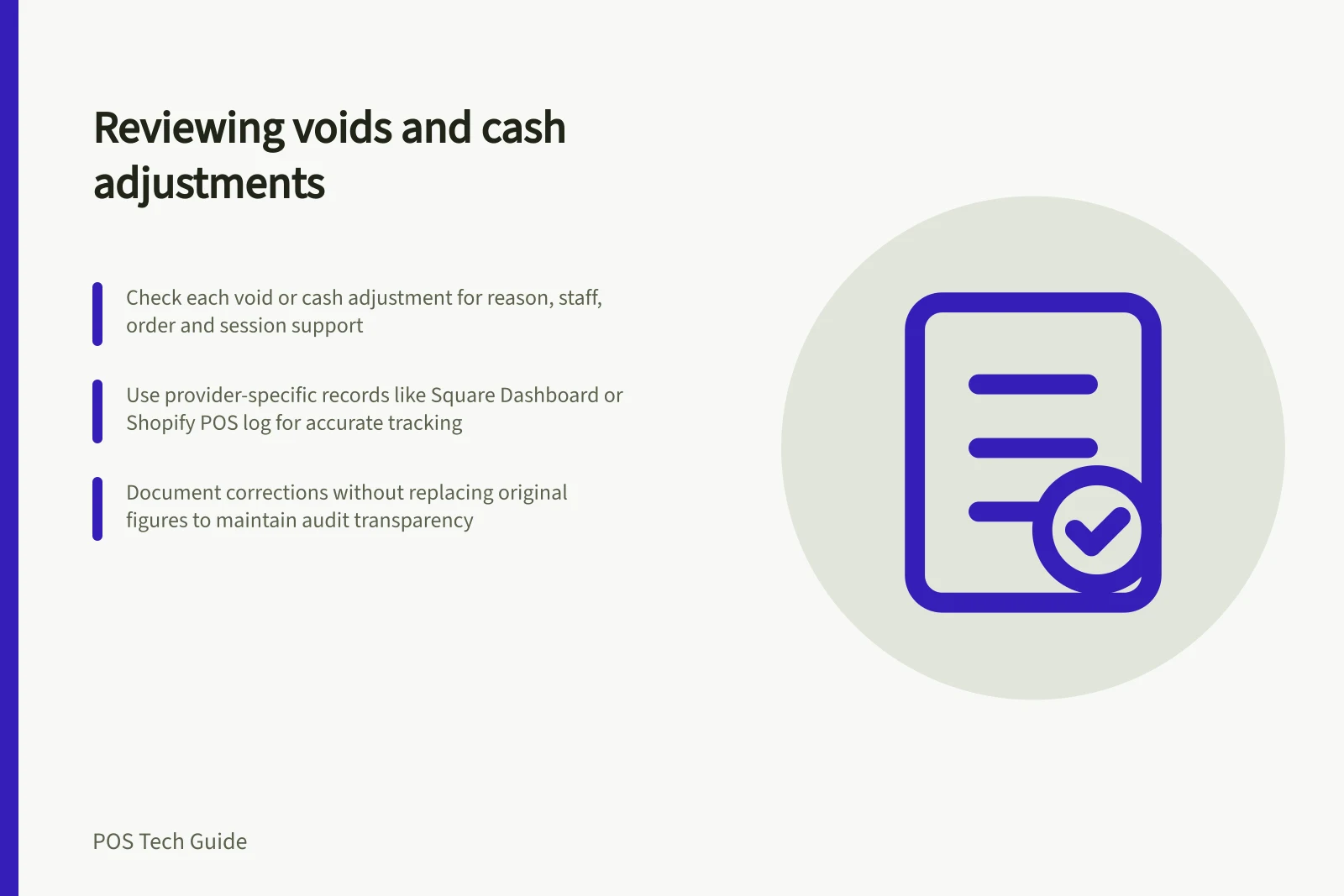
Reviewing voids and cash adjustments
Review POS voids and cash adjustments using the right records, trace exceptions and keep unexplained differences open.
Review voids and cash adjustments as separate exception lists. For each entry, establish what changed, who recorded it, why it was recorded and which order or drawer session supports the explanation. A reason code helps locate an event; it does not prove its cause.
Set the review window
Choose the location, register and trading period, and keep those filters with the review.
Find voids in the relevant order or POS activity record. Find cash paid in, cash paid out, drawer openings and count differences in the cash-session record. Keep completed-payment refunds separate from unpaid-ticket voids.
The word “void” varies by provider. Square’s documented open-ticket void closes a ticket without payment and records it in Dashboard. Shopify’s POS activity log includes transaction and line-item voids. Confirm which event is being counted before comparing systems or periods.
Investigate the exceptions
Start with entries that have no useful explanation, repeat closely together or differ from the expected drawer amount. Inspect the original order, time, amount, staff identity and any approval or preparation record the system retains. These are prompts for review, not findings about a person.
Entry / First comparison
- Open-ticket void
- Ticket status, items and recorded reason
- Cash paid out
- Drawer session, amount and destination recorded by staff
- Cash paid in
- Drawer session, amount and source of cash
- Count difference
- Opening cash, cash sales and refunds, movements and physical recount
If a recount finds a counting error, document the correction through the supported process. Keep the original counted figure and later explanation visible; replacing it with the expected amount would conceal the difference.
Key Metrics to Monitor in Cash Drawer Sessions
- Open-Ticket Voids
- Track frequency and reasons; verify ticket status and items before approval
- Cash Paid Out
- Record destination and amount; confirm staff entry matches actual movement
- Cash Paid In
- Verify source and amount; ensure documentation aligns with physical deposits
- Count Differences
- Compare opening cash, sales, refunds, movements, and physical recount; document corrections transparently
Use the provider’s relevant record
Square cash drawer sessions show starting cash, cash sales and refunds, paid-in and paid-out amounts, and expected cash. Staff enter an amount and description for paid-in or paid-out cash. Starting a session requires Square’s Cash Management Add-on. Drawer history is available through documented Dashboard and POS routes, subject to permissions and POS prerequisites.
Shopify register sessions show cash additions and removals. Configured reason codes can accompany those adjustments and drawer openings. Its separate POS activity log captures voids but excludes cash drawer operations. The admin cash-tracking report is available only at POS Pro locations and requires the relevant viewing permissions; an in-app session view is a separate route.
Check the reviewer’s actual access before assigning this work. A report visible to the account owner may not be visible to a shift lead.
Close the case
Keep the entry reference, records checked, explanation established or still unknown, correction if any, and next owner together. Investigate a recurring pattern in the workflow as well as the transactions. Do not call an unexplained difference theft or misconduct without separate evidence.