Payments & Reconciliation
Part of POS offline and outage planning
Checking which POS functions work without internet
Use a task-by-task check sheet for POS sales, payments, returns, peripherals and syncing when the internet is unavailable.
Check offline capability one task at a time for the proposed app, device, reader, payment setup and staff role. A POS may build a cart while preventing a return, customer lookup or card charge. Record both the documented rule and the result when the installed setup is checked.
Identify the failure and setup
An internet outage can leave the local Wi-Fi network running. A router or power failure may also disconnect networked printers and readers. Shopify says Bluetooth and USB connections can remain available without internet, while LAN and Wi-Fi peripherals depend on the local network.
Its POS Terminal Reader has further requirements for offline card payments: the local Wi-Fi must remain working, and a router or full power failure rules out that path. Square distinguishes internet outages from Square service disruptions in its offline settings.
Record the app mode and version, till, reader or terminal, printer, location, payment account and staff permission. Note whether the device was signed in and had imported the current products before the connection failed. Shopify requires internet access to import products at sign-in; its signed-in app can continue after a connection loss if staff do not log out.
Key Offline Payment Requirements (Australia)
- Square Offline Mode Activation
- Automatic unless opted out; review settings from March 2026
- Internet Dependency for Readers
- Wi-Fi required for Shopify POS Terminal Reader; Bluetooth/USB may work without internet
Check each counter task
Task / Result to record
- Find and price an existing item
- Item, variant and price in a fresh cart.
- Change an order
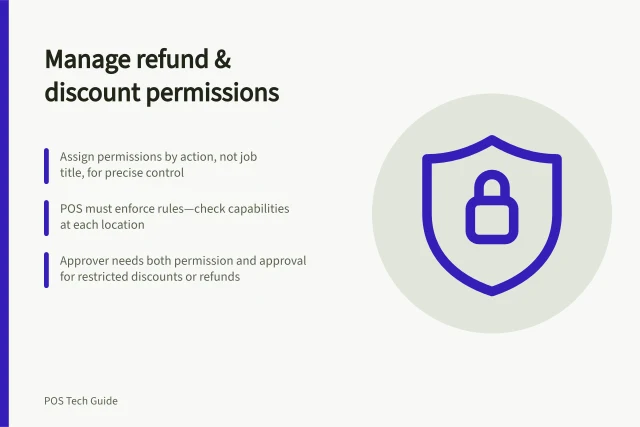
- Whether a permitted manual discount or modifier works.
- Take cash
- Sale reference and receipt option.
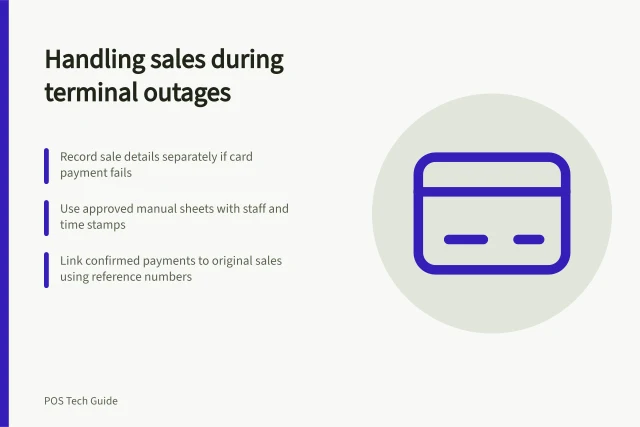
- Take a card
- Reader eligibility, pending status and later outcome.
- Find a customer or prior order
- Whether lookup is available.
- Return, void or exchange
- Whether it can be completed or must wait.
- Print or send an order
- Whether the relevant local device receives it.
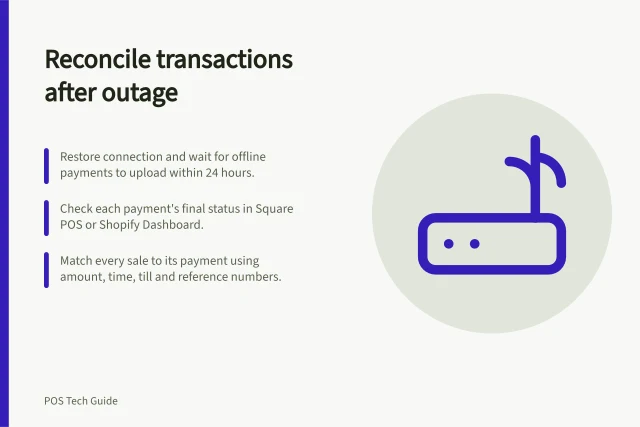
- Reconnect
- Whether orders, inventory and payment statuses update.
Add gift cards, kitchen tickets or online pickup only if the business uses them. Record “unavailable” where the documented feature limit rules out the action. For Shopify cash or manual-payment checks, confirm staff can collect a customer phone number or email; Shopify requires one for an offline sale.
Compare the provider’s actual limits
Shopify POS permits cash and configured manual methods in offline checkout. Offline card acceptance is a separate feature. It requires activation, a Shopify POS app updated to version 9.14.0 or later, compatible hardware and staff permission. Swipe cards, Tap to Pay on iPhone or Android, manual card entry (MOTO) and Australian eftpos payments are not supported offline.
Its offline feature list also excludes accepting tips, creating products, searching for, editing or creating customers, saving or sharing carts, viewing a recent cart created on another device, shipping orders to customers, exchanges, returns and voids. It also excludes gift cards, discount codes, automatic discounts, online pickup fulfilment and order or inventory sync. Manual discounts remain available.
A configured manual method for an external terminal records the payment choice in Shopify. The terminal provider must confirm whether it can process the charge.
Square’s Australian offline-payment support covers sellers using full service, quick service, bar, retail, bookings or standard mode in the Square Point of Sale app. Square Gift Cards, Afterpay, Tap to Pay and manually entered card numbers are excluded from offline payments.
Offline card transactions remain pending and may later decline. Square offline payments are automatically allowed on devices unless the seller opts out; notifications to review settings start in March 2026.
Record the installed result
For each check, note the failure simulated, device, role, action, observed result and record found after reconnection. For any payment check, use a provider-supported method and account for any real charge or stock movement it creates. Until a result is recorded, the check remains proposed.
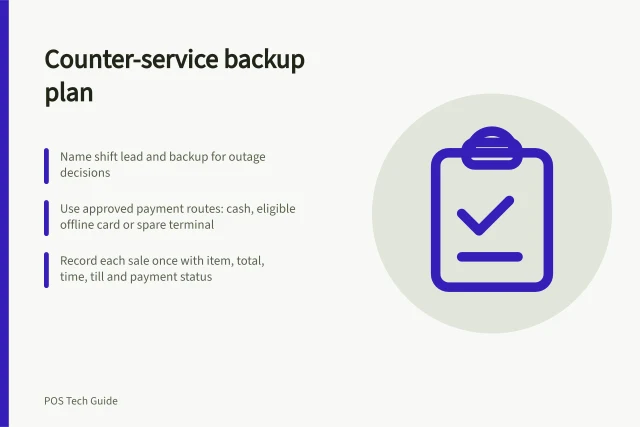
Give staff a short outcome for each essential task: works now, works but needs later confirmation, or stop and call the shift lead. Recheck after changes to hardware, app mode, payment account or permissions.