System Selection
Part of POS offline and outage planning
Keeping a practical counter-service backup plan
Build a one-page counter backup plan with a shift lead, approved payment routes, sale records and a recovery handover.
Fit the counter-service backup plan on one sheet staff can use while customers wait. It should show the trigger, the approved way to take an order and payment, the record for unresolved sales and the recovery owner.
Put the first decision at the top
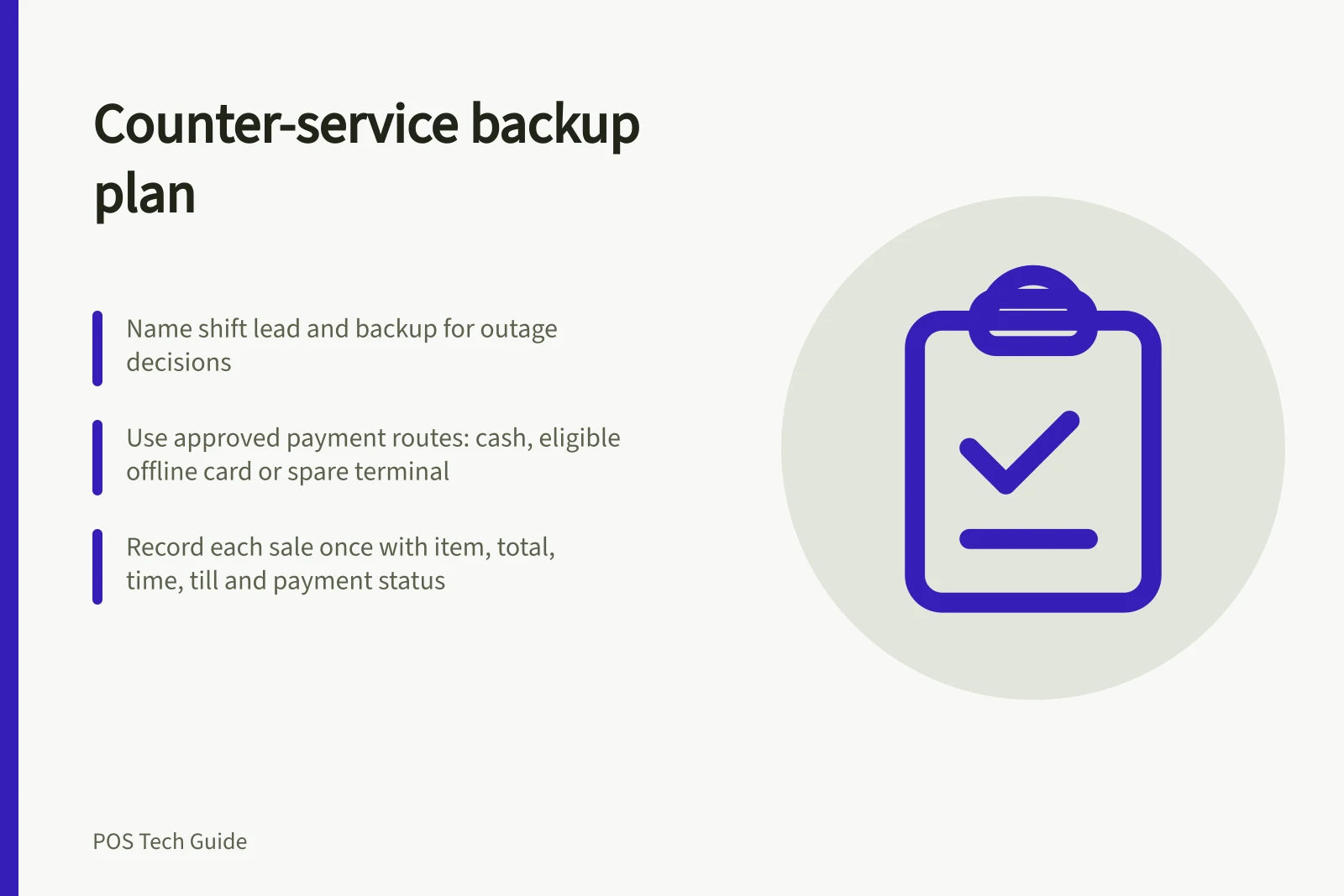
Name the shift lead and a backup. Staff alert the lead when a payment result is unclear, a till cannot find products or an order cannot reach preparation.
The lead identifies whether the problem is internet access, the POS service, a local device or the terminal. They then tell every counter which approved trading mode applies.
The sheet might say cash sales can continue on a named till, card payments may use a listed eligible reader, or card sales must pause until the terminal provider confirms service.
State who decides whether an unpaid order can be held or released. The choices must reflect the business's actual equipment and policy.
Keep the tools at the counter
Keep current supplier contacts, spare receipt or order stationery, numbered manual sale sheets, a pen and approved payment instructions close to staff. Include device names and locations, but keep passwords and full card details off the sheet.
A spare device is useful only if its sign-in, product data, payment eligibility and connection have been checked. It does not automatically contain offline transactions stored on another device.
A backup connection helps only when the affected hardware can use it. Shopify recommends a cellular hotspot or secondary internet connection, and says its networked peripherals must share the POS device's local network.
Shopify's offline guidance distinguishes an internet outage from a failed local network. Label which devices and peripherals the backup connection is intended to restore.
Key Facts: Offline Selling in Australia
- Shopify Offline Feature Requirement
- Activation and compatible equipment required
- Australian eftpos Support
- Not supported in Shopify offline mode
- Square Offline Limitation
- Some apps and payment types excluded
- Manual Sales Record
- Must include item, total, time, till, payment status, and reference
Give staff a short sequence
- Pause an uncertain payment.Find the original sale and processor-side result before another attempt.
- Use an approved route.Take cash, a confirmed payment through a separate terminal, or eligible offline card payment only where the business has documented that choice.
- Record the sale once.Keep the item, total, time, till, payment status and available reference together.
- Explain the limit.Tell the customer when card processing is pending or a requested service cannot be completed now.
- Hand over the backlog.Keep affected devices and records available for upload and checking after service returns.
Put provider limits beside the relevant route.
Square's Australian offline card guidance excludes some apps, hardware and payment types. Stored payments can later decline.
Shopify's offline card feature requires activation, compatible equipment and permission; Australian eftpos is excluded. Shopify permits cash and configured manual methods in offline checkout, while customer search and returns need a connection.
A blanket instruction to take cards offline would hide those differences.
Offline Payment Options: Shopify vs Square (Australia)
- Shopify Offline Card Payments
- Requires activation, compatible equipment, and permission; excludes Australian eftpos
- Square Offline Mode (AU)
- Excludes some apps, hardware, and payment types; stored payments may decline later
- Cash & Manual Methods
- Permitted in both systems during offline checkout
- Customer Search & Returns
- Require internet connection on Shopify
Keep the sheet current
At shift handover, confirm who leads an outage and which payment routes are approved.
After a change to the POS mode, terminal, reader, network or staff permissions, check the relevant provider guidance and record the result on the installed setup. After an outage, note which sales remain unresolved and give each one an owner and next check.