Multi-store Operations
POS implementation and training
Plan a POS rollout from catalogue import and checkout checks to staff training and support during the first trading week.
Prepare a new point of sale (POS) system in stages: load the opening catalogue, set up counters, check sales on installed equipment, train rostered staff and arrange first trading week support. Give each stage an owner and a recorded result before moving on.
Set the handover plan
Name who approves product and price data, who coordinates devices and payments, and who confirms staff readiness. One person may hold several roles. Decide who can pause opening if an essential checkout path fails and who will contact each supplier.
Work backwards from the opening date. Complete catalogue and configuration checks before setting up devices and training staff, allowing time for fixes and repeat checks.
| Stage | Check before moving on |
|---|---|
| Catalogue | Sample items show the intended variant, price and selling location. |
| Counter | Each till, payment device and required peripheral is set up in its intended position. |
| Sales | Routine sales and common corrections have recorded outcomes. |
| Staff | Rostered people can perform their tasks and know when to call a manager. |
| First week | Each shift has a contact, an issue record and an owner for open problems. |
POS Implementation and Training: Key Stages Before Opening Day
- Finalise CatalogueVerify sample items show correct variant, price, and selling location. Use a saved copy of the previous library for rollback if needed.
- Set Up CountersInstall tills, payment devices, and peripherals in their intended positions. Confirm all hardware is functional.
- Test Sales FlowsRun routine sales, corrections, and returns. Record outcomes for cash, card, refunds, and order tracking.
- Train StaffEnsure staff can sign in, process sales, handle exceptions, and know when to escalate. Managers must practice approvals and investigations.
- Prepare First Week SupportAssign shift contacts, document issues with time, till, transaction reference, and customer impact. Establish escalation paths.
Pre-Opening POS Readiness Checklist
- Catalogue VerifiedSample items match intended variant, price, and location.
- Counters ConfiguredAll tills, payment devices, and peripherals installed and tested.
- Sales Flows TestedRoutine transactions, refunds, and corrections recorded with expected outcomes.
- Staff TrainedRostered staff can perform tasks and know escalation points.
- First Week Support ArrangedEach shift has a contact, issue log, and clear escalation route.
Check what staff can sell
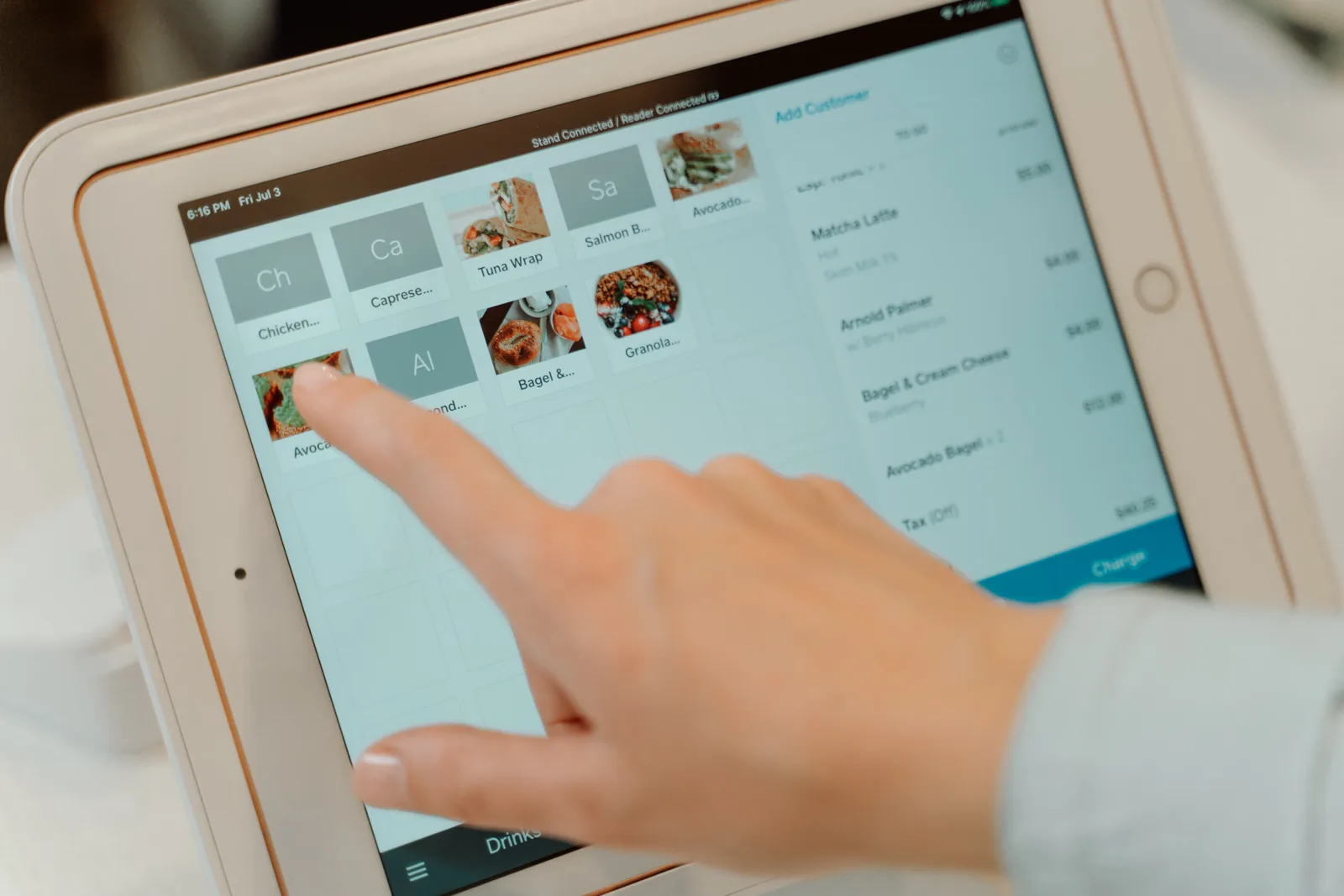
Start with approved opening-day product records and the provider's current import format. Check a sample in a fresh cart at each kind of till and selling location to confirm staff can find the item and that its variant and price are correct.
For a Square catalogue update, export and save a distinct copy before changing an existing library. Square recommends keeping that copy so the previous library can be restored if an update causes problems or information is lost. Keep the saved file with the rollout record.
Rehearse a completed sale
Use a short list based on real counter work: a routine cash sale, a card sale, a wrong item before payment, an uncertain payment and a return after payment. Add a kitchen or booking handoff only if the business uses it.
Record the expected cart, payment result, customer document and order record for each case. Label practice orders and account for any money or stock movement they create.
Run the checks on the installed setup with the staff role that will perform them. A manager sign-in can conceal a cashier permission problem. Test payment flows using an approved method; if a live transaction is needed, agree beforehand how it will be identified and handled.
Train actions and stopping points
Have staff sign in, find an item, finish a sale, provide the intended receipt and find the order again. Then practise one exception at a time. Explain what they may correct, what needs approval and what to do when a payment result is unclear. A correction before payment and a refund after payment follow different paths.
Give managers separate practice in approvals and investigating exceptions. Use the actual account, plan and staff sign-ins for training.
For Square, refunds can be issued by account owners or team members with the transactions permission. Staff should confirm they have selected the right order before proceeding: a refund cannot be cancelled. Square supports full, partial or itemised refunds, so practise the option staff are authorised to use and the point at which a manager must take over.
A Square payment processed through Square can be refunded within one year of the original transaction date; after that, the refund must be issued outside Square. Processing fees are not returned when a payment is refunded. Include these limits in the escalation instruction so staff know when to stop and contact an authorised person.
Key POS Refund Rules (Square Australia)
- Refund Window
- Up to 1 year after original transaction date
- Post-Window Refunds
- Must be issued outside Square
- Processing Fees
- Not refunded when a payment is reversed
- Refund Types
- Full, partial, or itemised refunds supported
- Authorisation Required
- Manager approval needed for certain refund levels
Handling Refunds in Square POS (Australia)
- Identify OrderConfirm correct order before initiating refund.
- Select Refund TypeChoose full, partial, or itemised refund based on staff permissions.
- Apply RefundComplete refund through Square POS. Cannot be cancelled once confirmed.
- Escalate if NeededIf refund exceeds authorised limit or result is unclear, contact manager.
- Document OutcomeRecord refund in system with reason and reference number.
Support the first trading week
Before each shift, check the selected location, catalogue, connection, payment setup, staff access and required peripherals. Record issues with the time, till, transaction reference where available, customer impact, temporary instruction and owner. Review unresolved payments at handover.
Before opening, confirm supplier contact channels, account access and support arrangements. Make sure each shift has an internal contact and a clear escalation route for issues that cannot wait until the next available supplier support period.
The opening decision rests on whether rostered staff can complete essential sales and follow an approved instruction for each known limitation. Keep the scenario results, training record and issue owners with the handover plan.
In this guide
- Importing a product catalogue before opening dayPrepare a POS catalogue import, protect existing records, check a small sample and verify what staff can sell at the till.
- Testing common sales scenarios before staff use the systemBuild a short POS test sheet for routine sales, payment uncertainty, corrections and the records staff need to inspect.
- Training casual staff on refunds and voidsTeach casual staff when to correct, void, return or refund a sale, and when to seek manager approval.
- Planning support for the first trading weekSet shift cover, supplier contacts, issue triage and daily handovers for the first week on a new POS.