Payments & Reconciliation
Part of POS implementation and training
Training casual staff on refunds and voids
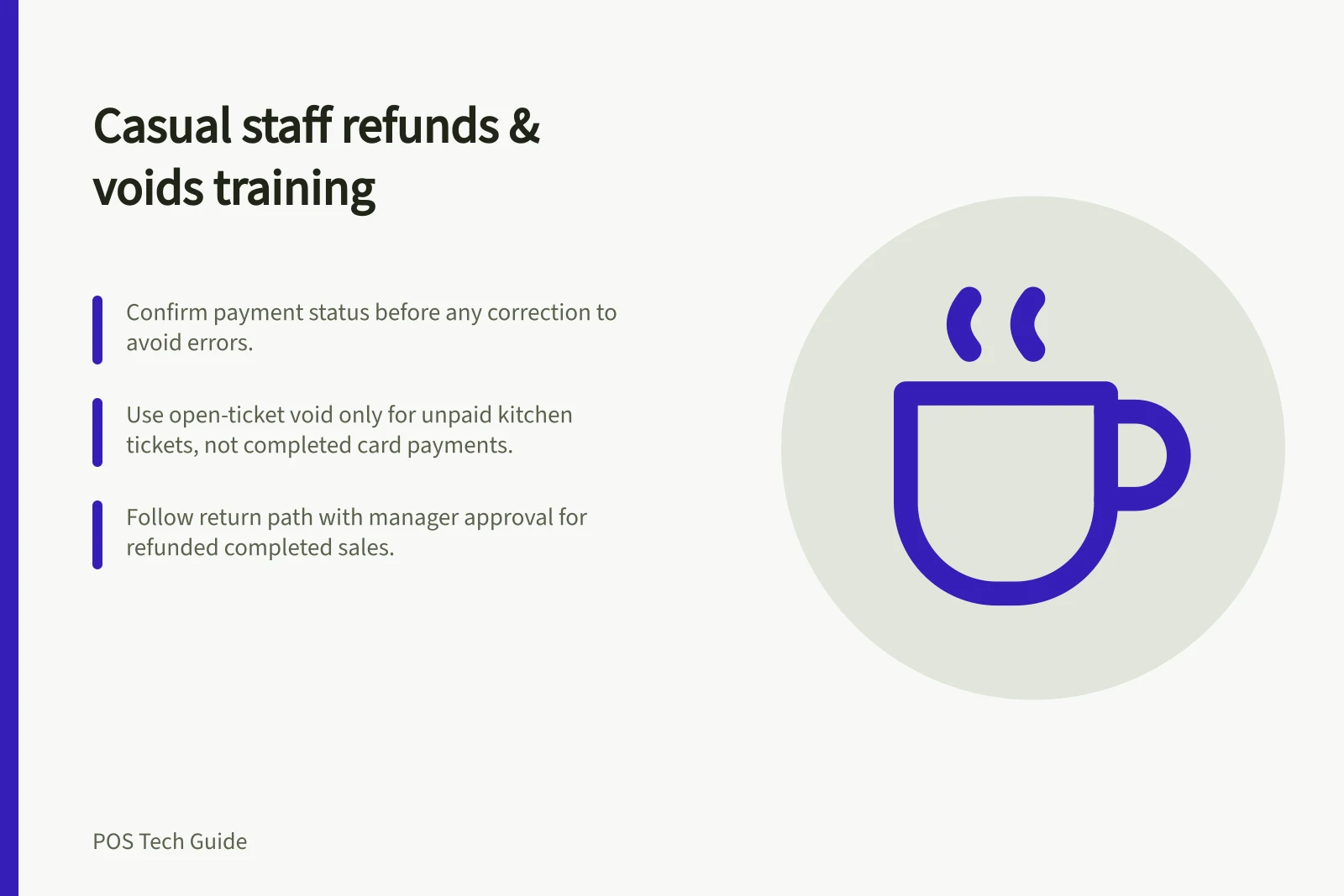
Teach casual staff when to correct, void, return or refund a sale, and when to seek manager approval.
Teach casual staff to confirm payment completion before choosing a correction. An unpaid cart can be edited; a supported open-ticket workflow may allow a void. A completed payment generally needs the system’s return or refund path if a refund is due. Show staff when to call a manager.
Start with the customer’s request
Ask what was bought, what went wrong and whether payment completed. Find the original order or payment record. A wrong item in an unpaid cart, an unpaid kitchen ticket and a faulty product returned after sale need different actions.
A void is not proof that a completed card payment was refunded.
If a customer disputes their entitlement or the remedy, refer the matter to a manager. Do not promise an outcome you cannot approve.
| Situation | Staff practice |
|---|---|
| Wrong item before payment | Correct the cart and recheck the total. |
| Unpaid open ticket to cancel | Use the configured void path and reason, then check the ticket record. |
| Completed sale needing a remedy | Locate the original payment, confirm the remedy and use the supported return or refund path. |
| Unclear payment result | Check the order and processor status before another charge or refund. |
When to Void vs. Refund: Key Differences for Casual Staff
- VoidOnly applies to unpaid transactions (e.g., open tickets, unprocessed carts). Cannot reverse a completed card payment.
- RefundRequired for completed sales. Must use the system’s refund path after locating the original transaction. Cannot be reversed once initiated.
Explain the provider’s actual controls
Square defines an open-ticket void as closing that ticket without payment and recording the action in Dashboard. This is an open-ticket feature, not a way to reverse a completed card charge.
Square refunds start from the selected transaction, require the relevant transactions permission and cannot be cancelled after initiation.
Shopify POS can cancel an eligible order while it remains authorised and the Cancel order control is available, for up to 15 minutes. Cancellation requires an internet connection; cash, EFTPOS and split-payment orders are among the excluded cases.
Its return and refund path requires the Return and exchange orders permission and may involve a separate restocking decision.
POS System Limitations and Requirements
- Shopify POS Order Cancellation Window
- Up to 15 minutes after authorisation
- Refund Permissions Required
- Return and exchange orders permission (Shopify), relevant access rights (Square)
- Excluded Payment Types for Cancellation
- Cash, EFTPOS, split-payment orders
Practise using the casual staff sign-in
Have each person correct an unpaid cart, identify an open-ticket void if that workflow is used, locate a completed sale and explain the checks before a refund.
A manager can demonstrate approval and the customer explanation. Label practice records and account for any real money or stock movement they create.
A manager demonstration does not prove casual staff access. Shopify custom POS roles are a Pro-plan feature. Square specifies permissions for open-ticket voids and refunds. Verify the role on the counter device and put its permitted actions in the shift guide.
Give staff a simple stopping sentence: ‘I’m checking the original sale and payment before I change it; my manager will confirm the next step.’
Record the order reference, request, action and approver under the business’s procedure. Leave an uncertain transaction with the named manager rather than concealing it with another transaction type.