Payments & Reconciliation
Part of POS payments and reconciliation
Handling split payments at the counter
Keep split payments on one sale, track the balance and handle a failed part without accidentally charging twice.
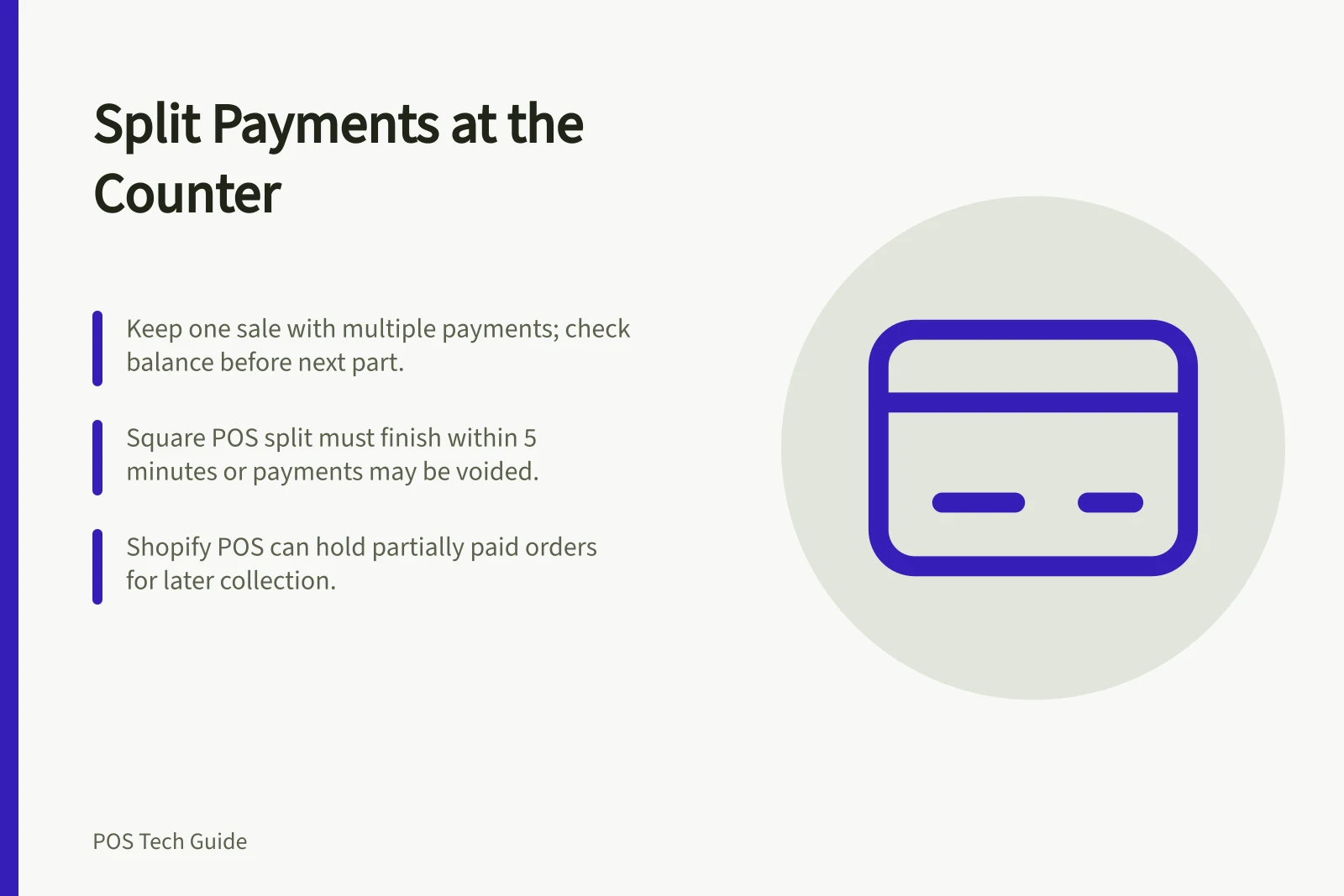
Keep the purchase as one sale, enter each accepted payment part against it and check the remaining balance before taking the next part. If a payment fails or its result is unclear, confirm its status before trying again.
Agree what the customer means
A same-visit split might use cash and card or two cards. Paying part now and returning later is a partially paid order, which a POS may handle differently. Confirm the amount for each part and whether any balance will remain after this visit.
For a $90 sale paid with $30 cash and $60 by card, count and record the cash part, then charge the remaining $60 once. The figures show the arithmetic only. If the customer changes the split, check which parts have already been accepted before editing the sale.
Check the available checkout path
Square's Australian POS supports multiple tender types on one sale. Its split must be completed within five minutes; a timeout can void payments already processed in that split.
When Square Terminal is connected to Square Point of Sale, split tender is unavailable if one part is by card. That restriction applies to the connected setup, not every way of using Square Terminal.
Shopify POS accepts more than one method on an order and can retain a partially paid order for later collection. A checkout containing a gift card product cannot be marked partially paid or unpaid.
Shopify lets you activate or deactivate payment methods separately on each POS device, so available options can differ by counter. Confirm the options enabled on the counter device before offering a particular split.
Split payment support across POS platforms (Australia)
- Shopify POSAccepts multiple payment methods per order and supports partially paid orders for later collection. Cannot mark gift card-containing orders as partially paid.
- Payment method availabilityShopify allows separate activation/deactivation of payment methods per device—options may vary by counter.
Handle an interrupted part
If a terminal declines, the customer cancels or the POS stops showing a result, pause. Check the sale's recorded paid amount and remaining balance, then inspect the attempted part in the terminal or processor record. A frozen POS screen does not establish whether the card was charged.
Preserve a successful part while resolving the remainder. If the split has timed out or closed, follow the provider's supported correction or refund path. Do not start a second full-price sale while an earlier charge remains uncertain. Keep the sale and transaction references for escalation.
Before handing over the goods, confirm the final sale status and each accepted amount. If a balance is due later, retain the partially paid order and a clear follow-up record. At close, cash and card parts belong in their respective payment totals while remaining traceable to the one sale.