Payments & Reconciliation
Part of POS payments and reconciliation
Reconciling end-of-day cash and card totals
Use a repeatable close to count cash, match card takings and explain why the later bank payout differs.
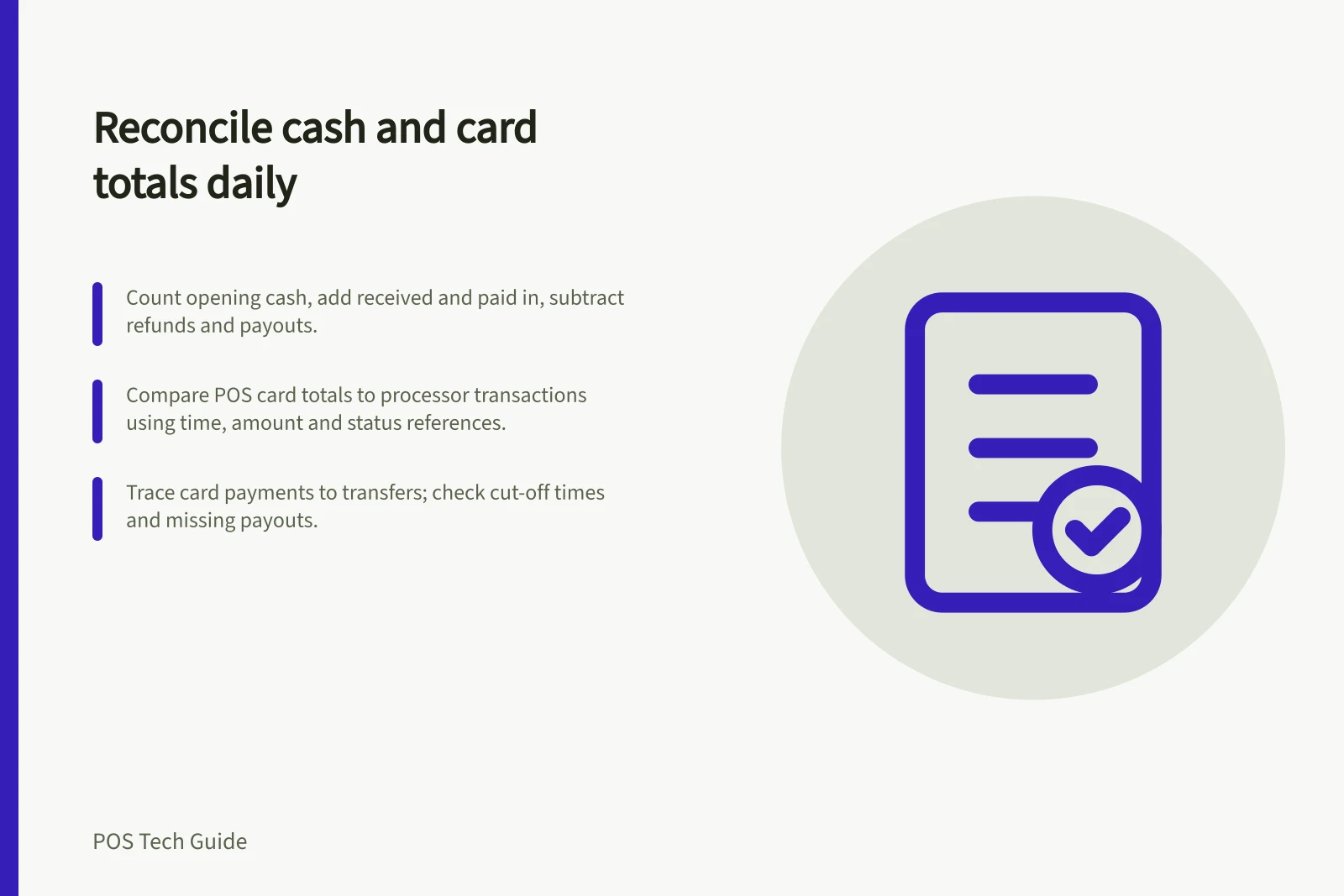
Close cash and card separately. Count the drawer against its expected balance, compare card payments with completed processor transactions for the same location and period, then trace those payments into the processor’s transfer or payout. Record every difference and who will resolve it.
Fix the closing window
Record the location, register or drawer, start and end time, and reporting-day rule. A shift can cross midnight, while a processor transfer may have another cut-off.
Keep product sales, payments collected and bank transfers in separate columns. Check the report definitions before expecting totals to agree: product sales may exclude tax or tips included in collected payments.
Key Reconciliation Metrics
- Reporting-day rule
- Must be defined to align session and payout periods
- Separate columns for sales, payments, transfers
- Prevents misalignment in totals due to tax or tip inclusion
- Shifts can cross midnight
- Ensure start/end times reflect actual operational window
- Processor cut-off times apply
- Payments after cut-off may appear in next day’s payout
Count the cash
Start with the cash physically confirmed at opening. Add recorded cash received and cash paid in; subtract cash refunds and cash paid out. Compare the expected amount with a physical count, and keep both figures.
Cash close field / Record
- Opening float
- Cash counted at the start
- Cash payments and refunds
- Cash activity in this session
- Paid in and paid out
- Added change, safe drops and other recorded movements
- Expected drawer
- Opening cash plus and minus recorded movements
- Counted drawer
- Notes and coins physically present at close
- Variance
- Counted less expected, with an explanation or owner
Square drawer sessions show starting cash, cash sales, cash refunds, cash paid in or out, and expected cash. Starting one requires its Cash Management Add-on.
Shopify POS register sessions can record an opening float and closing count, but cash counting is optional and sessions are stored on the device that created them. Shopify’s admin cash-tracking reports summarise register sessions at your retail locations, including cash counted at the start and end of each session, cash payments processed, and any discrepancies between expected and actual amounts.
Investigate an unrecorded safe drop, incorrect change, cash refund or mistaken payment method where relevant. Do not replace the physical count with the expected figure merely to close the drawer.
Square vs Shopify POS Cash Tracking
- Opening Float
- Required for Square (with Cash Management Add-on)
- Closing Count
- Optional in Shopify POS; sessions stored on device
- Cash Tracking Reports
- Available in Shopify admin by location
- Expected Drawer Calculation
- Opening cash + received - refunds - paid out
Pros and Cons of Automated vs Manual Cash Counting
- Automated tracking (e.g., Square/Shopify)
- Reduces human error, enables audit trails, supports remote oversight
- Manual physical count
- Ensures accuracy of actual funds, detects theft or unrecorded activity
- Risk of replacing count with expected amount
- Can mask discrepancies; not recommended under ATO guidelines
- Best practice: Combine both methods
- Physical count must always be recorded, even if variance is small
Match card takings
Compare the POS card payment figure with the processor’s completed transactions for the same window. Use references, amounts, times and statuses to investigate a difference. Check refunds, split-payment parts, declined attempts, payments near the cut-off and sales manually marked paid through an external terminal.
Square’s Australian Dashboard has a payment-method report and filters for its transaction history. For a standalone EFTPOS terminal, obtain the transaction record from its provider: a POS payment-type entry may record staff’s action without confirming a card charge. If the POS and processor totals use different definitions, identify the difference before treating it as missing money.
Trace the payout
Once the trading-period card payments are understood, inspect the transfer or payout that includes them. Square’s transfer details list the individual card payments included in a transfer and related trace details; if an expected payment for a day is missing from a transfer, Square notes it was most likely included in the following transfer because it was accepted after the daily transfer cut-off.
Shopify Payments payout details list included transactions and can show refunds, fees and adjustments. A payment after a cut-off can enter a later transfer, so the bank amount need not equal the day’s POS card total.
Save the close with its filters, physical cash count, card comparison, available transfer reference and unresolved exceptions. Give each open difference a person and a next check so the following shift can see what remains to be resolved.
End-of-Day Reconciliation Checklist
- Verify POS card total matches processor transactionsCheck reference numbers, amounts, timestamps and status
- Review transfer details for missing paymentsSquare notes if a payment was likely included in next transfer
- Confirm payout includes all relevant transactionsCheck Shopify Payments payout details for fees, refunds, adjustments
- Document unresolved exceptionsAssign owner and next check date for follow-up