Payments & Reconciliation
Part of POS product and price management
Managing discounts without losing price history
Keep earlier prices, promotion rules and transaction evidence distinct so POS discounts and advertised savings remain traceable.
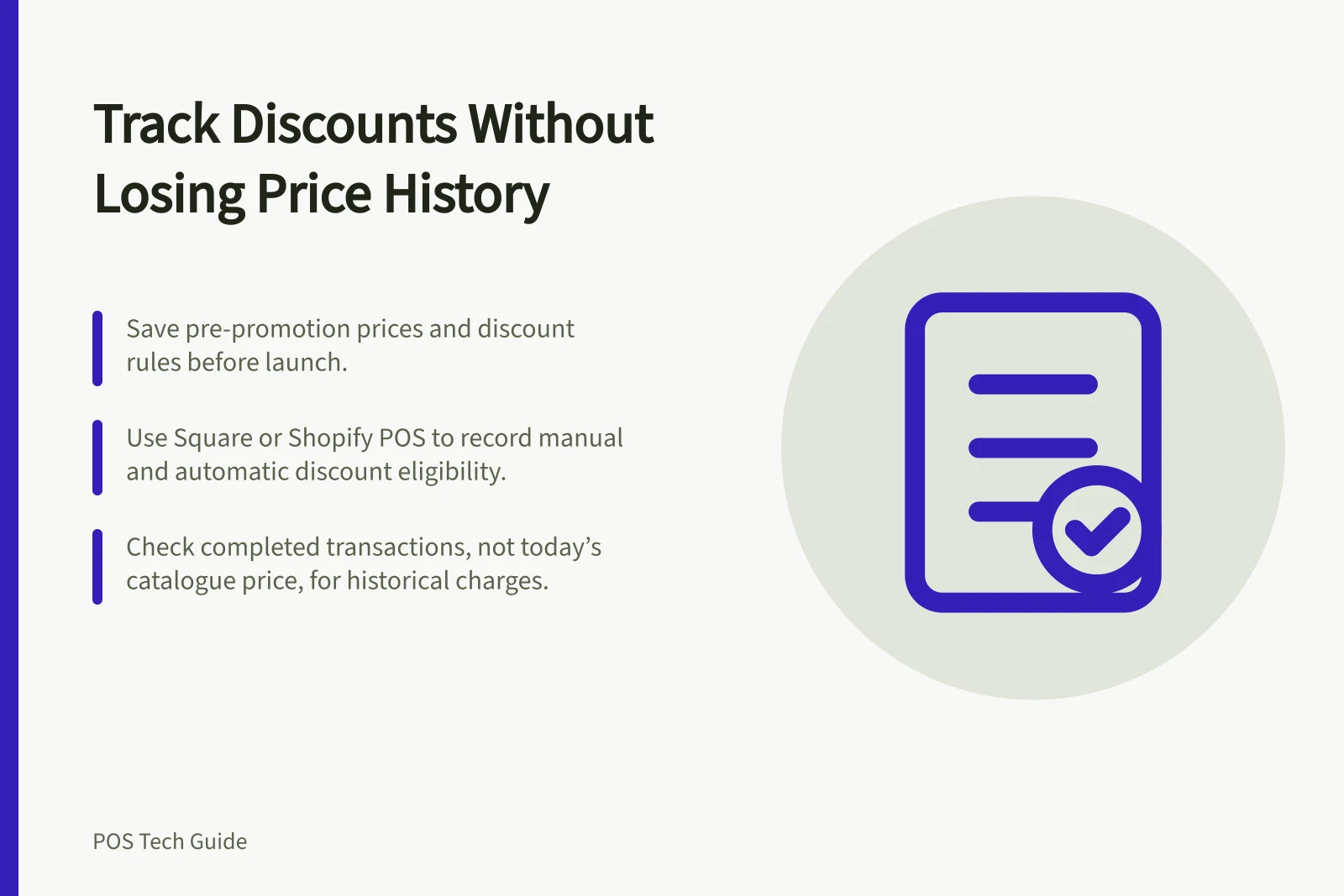
Keep three things traceable: the price used before a promotion, the offer rule, and what customers were charged. Save the approved earlier price and offer terms before the discount starts.
Use completed transactions to establish the charges made. Today’s product field cannot, on its own, explain an earlier sale.
Choose how the offer reduces the price
A named checkout discount can keep the item’s regular price distinct from a temporary reduction. Specify eligible products, locations, dates, customer conditions and whether staff apply it or the POS applies it automatically. For a lasting change, update the regular price and record when it took effect. An advertised ‘was/now’ comparison needs its own evidence of the earlier selling price.
Square documents manual and automatic discounts with eligibility rules and schedules. Its Australian guidance says a manual dollar discount applies to the whole sale, while a percentage discount can apply to an item; automatic discounts have different item-level options.
Shopify POS supports custom line-item and cart discounts and eligible discount codes. To use discount combinations in Shopify POS, your retail location must use Shopify POS Pro. Check the exact plan and intended basket before promoting an offer.
Save the promotion record
Record the affected product or variant IDs, previous price, discount rule, start and end times, channels and locations, approver, and customer-facing wording. Save the pre-promotion prices in a dated record and add later changes as new entries.
Square says renaming a discount creates a separate reporting entry. Keep the business’s own change record when that detail matters.
Check the rule and the completed sale
Before launch, inspect proposed carts with an eligible item, an excluded item, multiple quantities and a mixed basket. Check the item price, reduction and total. At the offer’s start and end, check the intended checkout paths again.
Vendor rules can change the result. Shopify says a monetary custom line-item discount applies per unit. Its discount-combination guidance says that after a custom line-item discount is applied in Shopify POS, an additional product discount code cannot be applied to that same item.
Shopify also says discount codes and automatic discounts do not work while its POS is offline, although manual discounts do. Square applies its own eligibility and combination rules. Include any relevant limit in the instructions staff use for the offer.
For completed sales, inspect the transaction and the relevant report definitions rather than treating today’s catalogue price as the historical charge.
Square says the breakdown of discounts can be viewed in the sales summary of its point of sale app, while detailed discount information requires discounts created in Square Dashboard. Discount reports can be filtered by date range and location.
Square says that if you advertise or promote items at a discounted price, it is your responsibility to meet ACCC guidelines.
A compare-at display field is not proof of earlier trading. When the offer ends, confirm its rule stops, customer-facing messages are updated and the intended price appears in a fresh cart.
Reporting and compliance facts for Australian retailers
- Square discount reports available by date range and locationYes
- Shopify offline mode disables discount codes and auto-discountsYes
- ACCC responsibility for advertised 'was/now' pricingRetailer must provide evidence of earlier price
- Compare-at field is not proof of prior saleTrue – requires documented historical price