System Selection
Part of Choosing a POS system for an Australian business
Retail POS versus hospitality POS
Compare retail and hospitality POS workflows through products, stock, kitchen handoffs, open bills and plan limits.
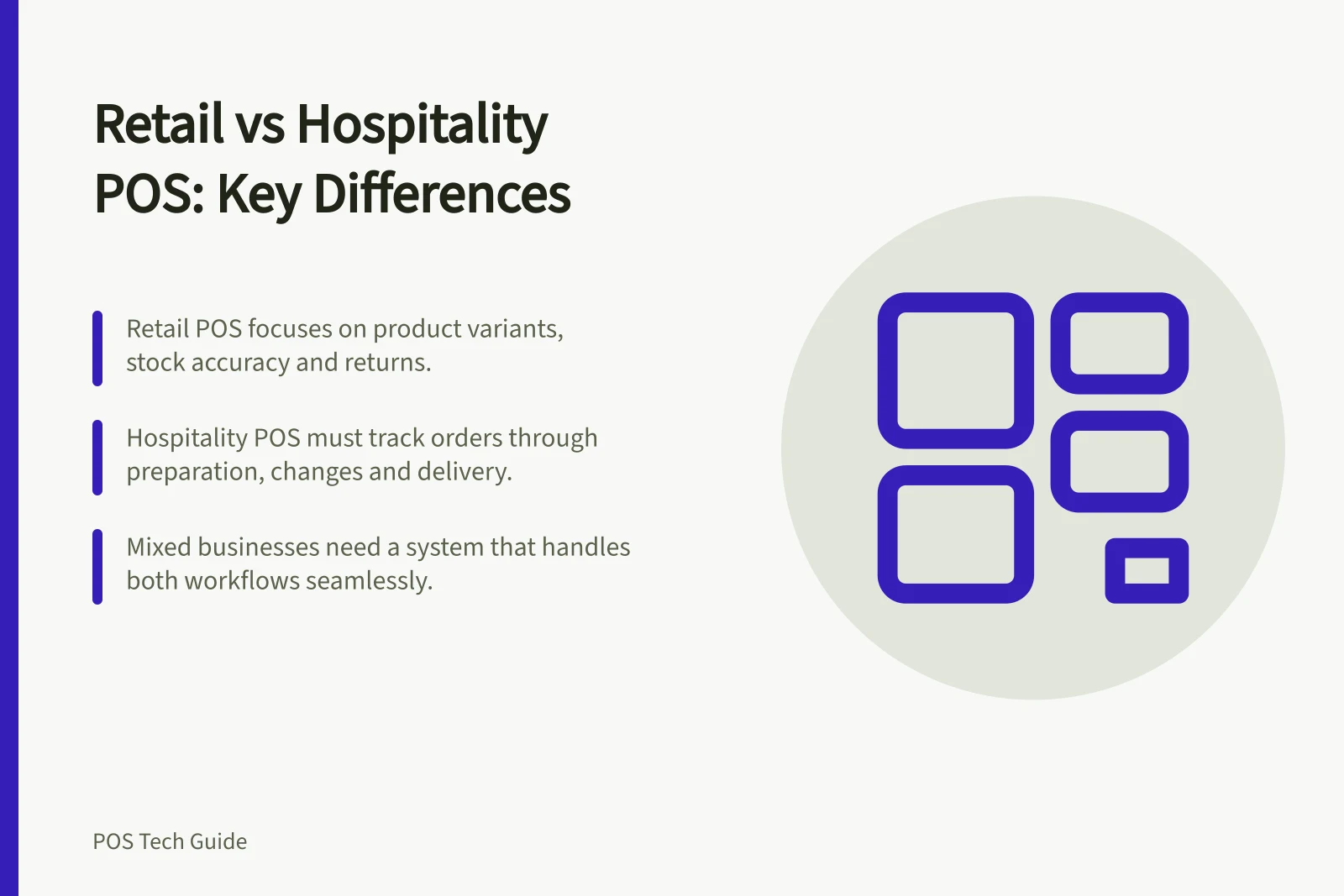
A retail POS is usually judged on how it handles products, variants, stock and returns. A hospitality POS must also keep an order usable while food or drinks are prepared, changed, delivered and billed. If your business does both, compare both workflows on the proposed plan and devices.
Follow the item after entry
For retail, ask to scan a product variant, take payment and find the sale for a return. If stock is held at another site or online, check how availability and the sale are recorded.
Square for Retail Free includes basic inventory tools; Plus lists advanced inventory tools and barcode-label printing.
Shopify POS connects store and online selling; staff roles and permissions, inventory management and returns at any location are listed under the Plus plan. POS Pro is listed as a separate per-location add-on.
For hospitality, try a table order with a modifier, a later addition and a cancellation after a ticket has been sent. Check what the kitchen sees and whether the bill still shows what the guest owes.
Square for Restaurants lists open bills, table management and an order manager. Plus includes advanced features such as course management and unlimited Square KDS devices.
POS Plan Features at a Glance
- Square for Retail Free
- Basic inventory tools
- Square for Retail Plus
- Advanced inventory tools, barcode-label printing
- Shopify POS (Plus)
- Staff roles, permissions, inventory management, returns at any location
- Shopify POS Pro (add-on)
- Per-location add-on for enhanced features
- Square for Restaurants
- Open bills, table management, order manager
- Square for Restaurants Plus
- Course management, unlimited Square KDS devices
Compare the exceptions that cause a queue
| Routine work | Give weight to | Ask to see |
|---|---|---|
| Many sizes, colours or barcodes | Product identity and stock accuracy | A variant scanned, returned and counted |
| Counter food with changes | Modifiers and preparation handoff | A changed order reaching the right station |
| Table service | Open bills and later additions | A table opened, amended and closed |
| Store and online sales | Shared product and order records | One item sold through each channel |
A café selling packaged goods may need product stock and kitchen routing. A retailer offering made-to-order products may need a preparation handoff. Include the mixed path in the demo instead of relying on a product’s ‘retail’ or ‘restaurant’ label.
Check the proposed package
Ask which app mode, subscription, device and add-on was used for each demonstrated task. Check how staff correct a mistake and inspect the resulting receipt and transaction record. A payment screen alone cannot show whether stock changed correctly or the kitchen received an amended order.