Contracts & Replacement
Part of POS contracts and replacement
Exporting transaction history before replacing a POS
Plan and check a transaction-history export before POS cut-over, including refunds, payment records, filters and retention.
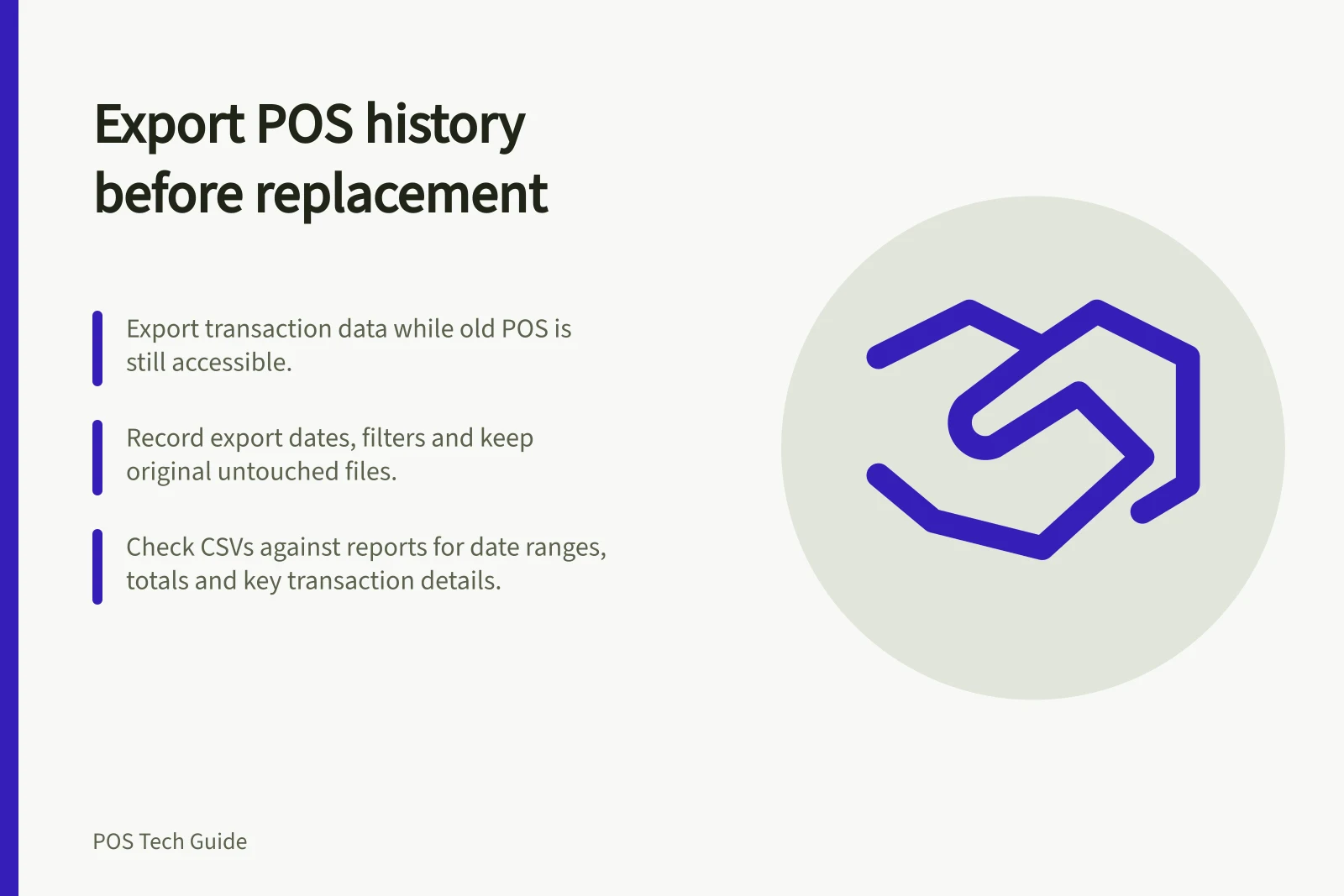
Export transaction history while the old POS account is accessible. Then check whether saved files can answer questions about past sales, payments and refunds. Record each export’s dates and filters, and keep an untouched original. A successful download does not establish complete coverage.
Define what must remain findable
Ask the bookkeeper and the person handling old returns which records they need. List the order or transaction reference, date, location, items, amount, payment method and status, refund information, relevant tax fields and processor reference where available. Track open or partly resolved transactions separately; a completed-sales file may not explain them.
Australian Government guidance says businesses must keep income and sales transaction records. Check which retention periods and record classes apply to the business, and how authorised staff will retrieve them after changeover.
Select the outgoing system’s exports
Square says authorised users can filter transactions in its Dashboard and export transaction details as CSV. Its transaction search lists card and related transactions only within the last year of the search date, so check whether older history needs another retrieval method.
Its report-export route has separate limits: cash drawer reports cannot currently be printed or exported there, and transaction-status reports can be printed but not exported there. Identify the files and other records needed rather than treating one CSV as the whole archive.
Shopify’s order export can include transaction history. Shopify says that exported history contains captured-payment data and excludes authorisation data. Its order CSV defines fields including order number, financial status, payment capture date, fulfilment status, currency, subtotal, shipping, taxes and total.
Check which fields are populated for the business’s POS orders. Where a separate terminal processed a card, obtain the processor’s transaction and payout records as well; a POS paid entry is not that provider’s charge record.
POS System Export Capabilities Comparison
- Square: Cash Drawer ReportsCannot be printed or exported via report export
- Square: Transaction Status ReportsCan be printed, but not exported
- Shopify: Order Export IncludesPayment capture data (not authorisation), order number, financial status, payment capture date, fulfilment status, currency, subtotal, shipping, taxes, total
- Shopify: External Card ProcessingSeparate processor records required (POS entry ≠ provider charge record)
Make the export reproducible
Record the account, locations, reporting timezone, start and end dates, filters, export type, person running it and extraction date. Cover transactions near cut-over and identify later refunds that may need another export. Save the original file before opening a working copy in spreadsheet software.
Check the result against its purpose:
- Confirm dates and locations against the requested scope.
- Compare counts and totals with the corresponding report, accounting for different report definitions.
- Locate sample sales, refunds, external payments where used and transactions near the date boundary.
- Reopen the saved file and check that references and leading zeroes remain readable.
- Give missing fields and unmatched transactions an owner and another source to inspect.
Store the exports, filter notes and separate processor records where authorised staff can retrieve them. Restrict access to detailed transaction data. Before closing the old account, obtain written confirmation of whether historical access will continue and under which login. Provider data retention does not itself guarantee usable access for the business.