Hardware & Peripherals
Part of POS contracts and replacement
POS hardware bundles vs separate purchases for counters
Compare complete POS counter setups, included hardware, payment requirements, support and reuse before buying.
For a counter with a supported iPad that needs a stand, receipt printer, cash drawer and paper, Square's Stand Kit groups these items into one purchase. The Square Stand is also sold separately.
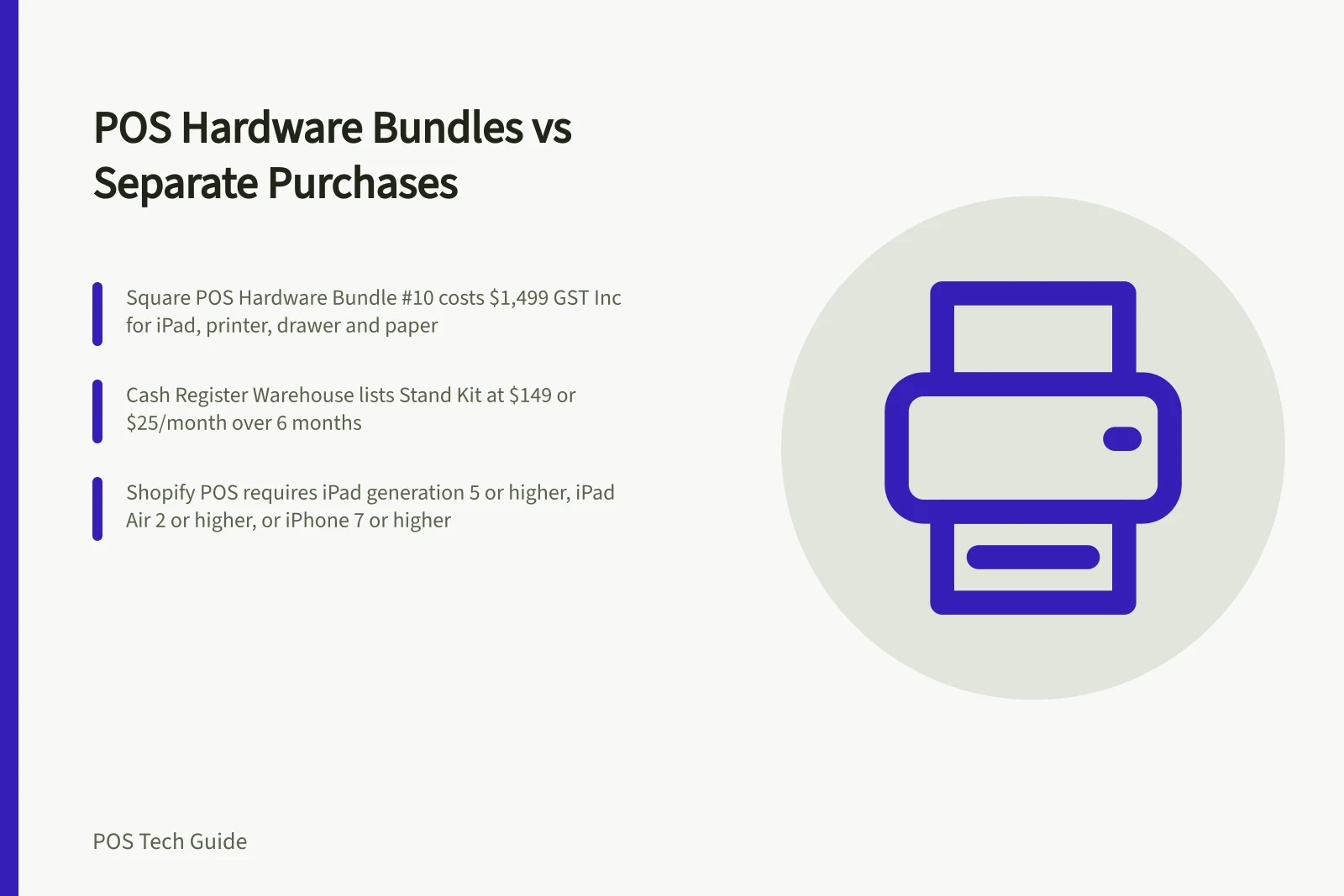
If the counter also needs an iPad, Cash Register Warehouse lists Square POS Hardware Bundle #10 with an Apple iPad 10.2-inch 64Gb Wifi, Star Micronics TSP143III Bluetooth Receipt Printer, cash drawer, iPad stand and paper rolls for $1,499 GST Inc, normally $1,745. It is out of stock, and its listed contents do not include a card reader.
Specify the usable station
Count the counters and list what each must do: run checkout, take card payments, print receipts, handle cash and scan goods where needed. Include the POS device, power supplies, cables, hubs, paper and equipment already owned; mark each existing item as supported, unconfirmed or due for replacement.
Use the same specification for a bundle and separate purchases. Include an optional scanner or installation only if the business needs it, and confirm the reader, payment arrangement, component compatibility and who handles faults.
Inspect the quoted kit
Square's Stand Kit turns an iPad into a POS. It bundles a Square Stand, receipt printer, cash drawer and receipt paper. The Register Kit bundles a Square Register with a receipt printer, cash drawer and receipt paper.
For Shopify POS, build the station around a supported device and card reader, then add retail hardware to suit the counter. Compare it with a bundle using the same list of required items.
Shopify POS runs on iOS and Android, not laptops, desktops or Amazon Fire tablets. Supported devices are iPad generation 5 or higher, iPad Air generation 2 or higher, iPad mini generation 4 or higher, all iPad Pro models, and iPhone 7 or higher, running iPadOS or iOS 15.1 or higher. Android phones or tablets need official Android 10.0 or higher, Google Play Services and Google Mobile Services; POS Go needs the latest Shopify-provided updates.
For pop-ups, events and casual part-time sales, Shopify's guidance pairs a supported device with a card reader. Shopify-supported readers depend on the business's country and require Shopify Payments; for an unsupported external reader, check accepted card types with the payment processor.
POS Device Requirements for Shopify and Square
- Supported Devices (Shopify)iPad gen 5+, iPad Air 2+, iPad mini 4+, iPad Pro, iPhone 7+ (iOS 15.1+); Android 10.0+ with Google Play Services
- Required Card ReaderShopify Payments required for supported readers; check processor compatibility for external readers
- POS Software PlatformShopify POS or Square POS
Compare delivered cost and responsibility
Square lists the Stand at $149 or $25 a month over six months, the Register (2nd generation) at $1,099 or $92 a month over 12 months, and Square Reader at $65 or $22 a month over three months. Use these individual-device prices to benchmark the station, then compare the total for the same required equipment.
Cash Register Warehouse lists Square POS Hardware Bundle #1, comprising a Star TSP143III LAN Thermal Receipt Printer, cash drawer and box of 24 thermal paper rolls, for $719 GST Inc, normally $909. For a counter that already has an iPad and needs those accessories plus a Square Stand, this is a bundle route, with the Stand bought separately.
Square gives the Register a two-year limited warranty and all other Square hardware a one-year limited warranty. All Square hardware has free 30-day returns.
When buying through Shopify Hardware Store, check its return-policy and warranty information. For reseller bundles, confirm the applicable warranty, return terms and fault contact before ordering.
For the defined counter, reuse supported equipment that already meets the requirements; buy a bundle when its included items are all needed and its quoted terms fit. Compare written totals for the same station, including delivery, installation and consumables, to determine which route suits the counter.
Keep the model list with the order for setup, faults and a later replacement.