Payments & Reconciliation
Part of POS for restaurants and cafés
Managing split bills and tips in hospitality POS
Split bills and tips need a tested flow before the first busy service.
Decide how staff will allocate items and payments: by seat, selected items, portions of a shared item or payment amounts. Test how the POS handles tips on each guest’s portion and how staff can check tip entries against payments and staff records.
Try the real payment patterns
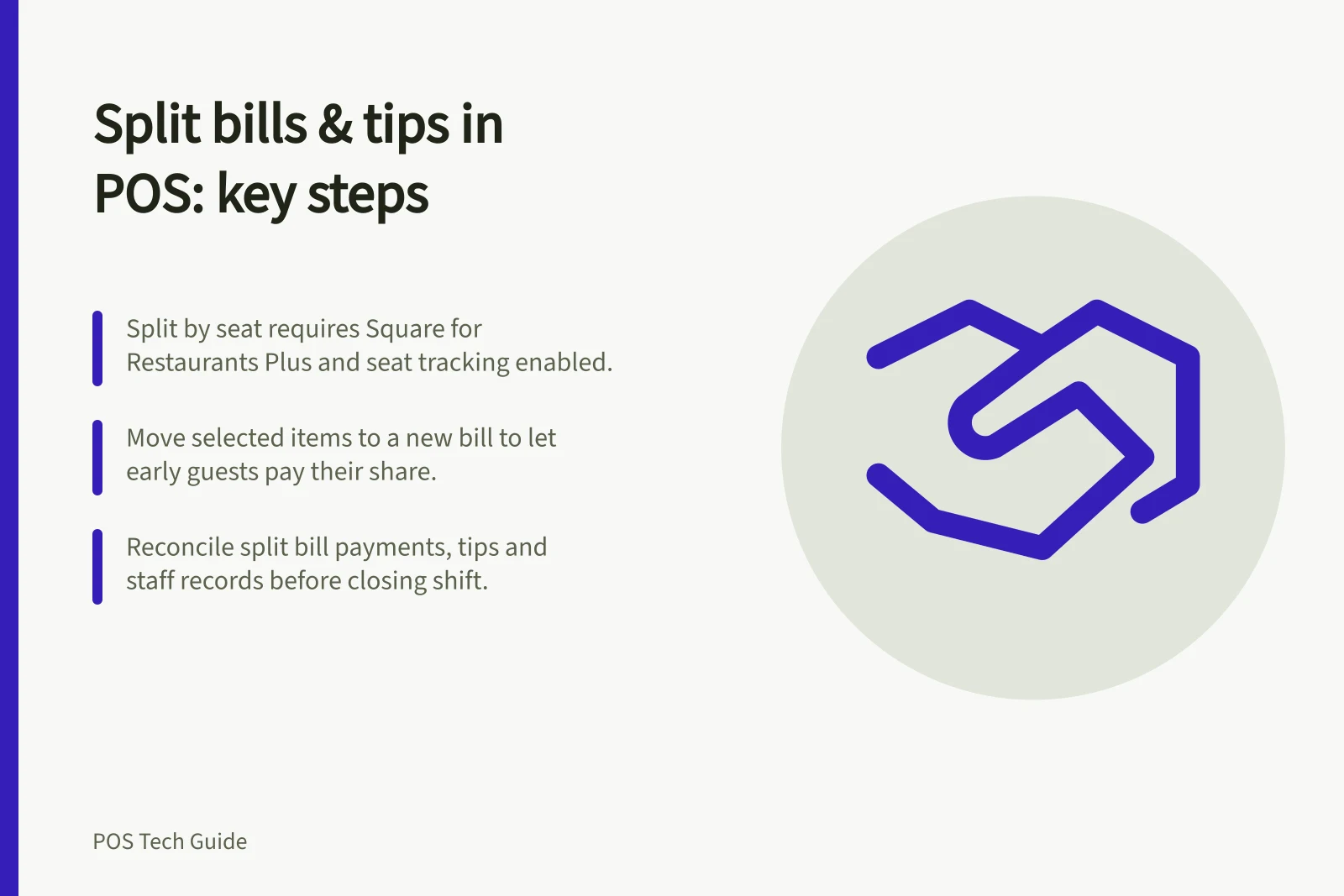
In Square for Restaurants, splitting by seat requires Square for Restaurants Plus, checkout permission for the team member, full service, fast food service or bar mode, and seat tracking enabled for that device in Square Dashboard. Confirm the plan, permission and settings on the device staff will use.
To split by seat in Square, open the POS app, select the bill, tap Actions > Split bill, then choose Split by seat. Square creates a bill for each seat; items assigned to multiple seats are divided evenly among those seats.
To move selected items to a new Square bill, open the table docket before starting payment, choose Actions > Split bill, select the items, then create and save the new bill. This lets a guest leaving early pay for their own items.
Use split items when guests share an item: the POS can divide it into portions, such as one-third of a bottle of wine, across new bills. Square does not support splitting sell-by-unit or fractional-quantity items, or portions of an item already split; modifier costs are divided with their attached item, not as a separate line.
With a seat split, item-specific discounts and vouchers move with their items. Cart-level service charges, discounts and promotions stay on the original bill and can be moved manually, so check their placement before taking payment.
A payment split divides the bill by amounts, not by items. Test partial cash and card payments, rounding and a failed payment, then check the remaining balance and confirm staff can explain what each guest still owes.
Swiftpos table-service features can split bills, items or the remaining table balance among guests, and support multiple EFTPOS payments. Omega Software supports split bills and multiple payment types; check the steps and options available on the POS at your venue.
For a split table, calculate each guest’s tip on their own portion and enter it against their payment where the POS permits. Check whether the POS offers direct-to-bill tip entry, percentage or custom amounts, and a tip prompt on a customer-facing display.
Where the POS supports tip distribution, check its preset rules. Tip pools can be distributed based on hours worked or role; confirm the rule used at your venue and how the resulting amounts are recorded for staff.
Reconcile after the shift
Match each split bill’s payments to its original order, then compare expected and actual totals by payment type and staff member where cash-up records provide that view. Check tip entries against the related payments and staff records, and investigate differences before closing the shift.
Swiftpos records table sales by individual clerk, and table transactions appear in Back Office in real time. Use those records when checking table sales and staff attribution.
If a shared item was assigned incorrectly, correct it while the guests are present and keep an auditable record of the change. Explain the revised bill and check the remaining balance before taking payment.